


Antminer Repair
Avalon Q Repair Service
Avalon Q Repair Service
By placing your order you agree to our Terms of Service, Warranty Terms and Refund Policy.
Drop off available in Fort Lauderdale, FL (2141 NE 51st Ct).
Repair guide last verified:
▸How to ship your hardware
Share


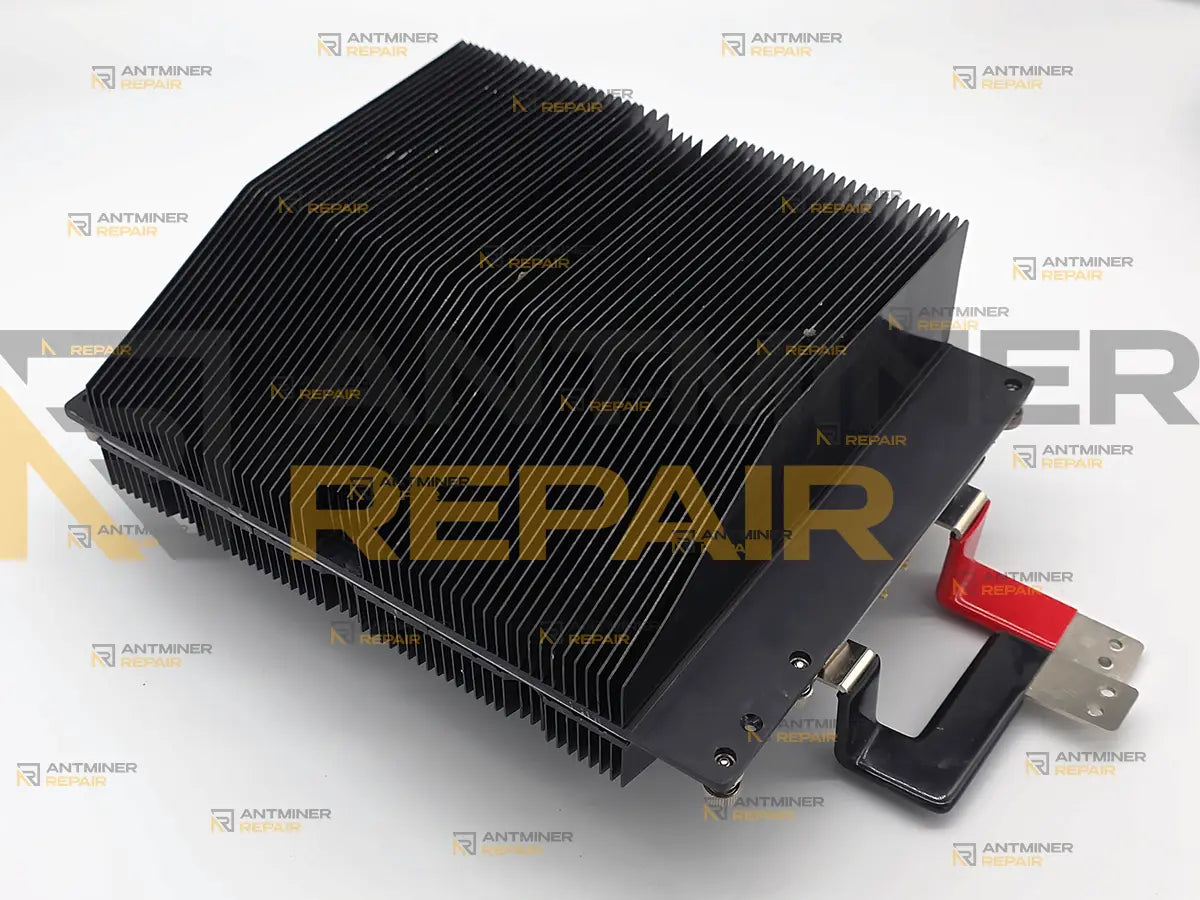
Avalon Q repair, done at chip level: when the unit spins up, hashes at full rate for a few seconds, and falls back to Idle, the trigger is usually a single A3197 ASIC reporting a false 190 °C. We locate that chip, replace it — included in the flat price — and prove the fix on the miner’s own dashboard.
The Canaan Avalon Q packs a full 90 TH/s of SHA-256 Bitcoin hashing into a single enclosed home unit: one 160-chip board, an integrated PSU4100-03 supply with voltage feedback to a Kendryte-class controller, and vendor-proprietary Canaan firmware. Proprietary firmware means recovery ends where Canaan’s own tools end — past that point the work is component-level, and that is what our lab does. We service the machine as one system: board, power path, cooling tract, and the per-chip telemetry that ties them together.
Technical Diagnostics and Common Issues with the Avalon Q
Quick Symptom Checklist
- The miner starts, hashes briefly at full rate, then the log settles on
SYSTEMSTATU[Work: In Idle, Hash Board: 1]withSoftOFF[3]and idle draw around 110–125 W - One entry in the 160-chip PVT temperature array reads 178–197 °C while the other 159 sit near room temperature — and its PVT voltage drops out of line with its neighbors
-
error #03on the device, orFanErr[1]over the API — a fan fault, sometimes with nothing wrong with the fan itself - The web dashboard flashes “ASIC Status: Error” in red during startup, then settles on yellow Idle
-
ECMM[64]appears in the idle state after a protective shutdown - Hashrate sags and
TMaxclimbs over weeks while theFilter[…]runtime counter is high — a clogged intake filter
Try This Before You Ship It In
- Full power cycle from the rear switch — off, 30 seconds, on. Not a soft reboot from the dashboard.
-
If you see
error #03orFanErr[1]soon after delivery: open the side panel and check whether one of the internal acoustic damping pads has shifted into a 120 mm fan during transport. Owners have cleared this exact fault by re-seating a loose pad. - Pull and rinse the front mesh filter — it slides out behind the front grille without disassembly. The firmware even tracks filter runtime in minutes.
- Wi-Fi checks: the USB Wi-Fi module supports 2.4 GHz only. Switching to Ethernet requires removing the module, powering off for 10 seconds, then connecting the cable.
- Verify pool settings — address, port, and worker format per your pool’s rules; solo-style pools expect your BTC address as the worker name.
-
Reinstall stock firmware via the Avalon Family app or a FAT32 USB drive. Note your pools first: a 5-second reset wipes them and returns the password to
admin. See our firmware help resource. - On 110 V circuits: if the unit only misbehaves in Super mode, test in Eco — a sagging shared circuit near its 15 A limit looks exactly like a hardware fault.
-
Capture the evidence:
echo '{"command":"litestats"}' | nc -w 2 <miner-ip> 4028— paste the output into your repair order notes. It shortens diagnosis by a day.
If none of this changes the behavior, the fault is in the hardware — and here is what we do next.
Model-Specific Patterns on the Avalon Q
One chip poisons the whole board. Every A3197 carries its temperature and voltage sensing on the die itself. When a single chip starts reporting 178–197 °C on a cold board — with its sensed voltage sitting at 221 against 271–279 on its neighbors — the protection logic reads a real fire where there is none and shuts hashing down seconds after start. Because the sensor lives on the die, a paired temperature-and-voltage anomaly on one index points at that chip or its solder joints, not at external circuitry. The fix is locating the physical position behind the logical index and replacing that one ASIC — which is included in this service.
Transport shakes the acoustic lining loose. The Avalon Q’s near-silent 45 dB operation comes from internal foam damping — and a pad that detaches in shipping can jam one of the four 120 mm fans, throwing error #03 on electronics that are perfectly healthy. It is the first thing we rule out on any fan fault, and the first thing you should too.
The filter is a consumable. An enclosed case with a sealed airflow channel keeps the unit quiet, but it concentrates all intake through one mesh filter. Left unserviced, TMax and TAvg creep toward the throttle point and the unit derates or drops out — a failure that a rinse and a thermal-interface refresh reverses.
Super mode tests your wiring, not just the miner. At full output the integrated supply pulls roughly 1674 W from the wall — close to the practical ceiling of a shared 110 V household circuit. Restarts and idle drops that happen only in Super and vanish in Eco are usually the circuit sagging, not the machine failing.
Hardware Notes
| Algorithm | SHA-256 |
| Coin(s) targeted | Bitcoin (BTC) |
| Device type | Complete self-contained home miner — one integrated unit, not a removable Antminer-style hashboard |
| Enclosure format | Enclosed case, 455×130×440 mm, 10.5 kg; removable front mesh filter; internal acoustic lining |
| Internal board | Single board, 160× A3197 ASIC (package-marked A3197MC; firmware reports the core as A3197S) |
| Controller | Canaan Kendryte-class control board; 0.91″ OLED showing IP, hashrate, power, and mode; separate fan daughter board |
| Firmware | Canaan vendor-proprietary (cgminer-based); Avalon Family app + web GUI; CGMiner-compatible API on port 4028 |
| Rated hashrate | 90 TH/s Super · 80.71 TH/s Standard · 54.19 TH/s Eco (±3%) |
| Cooling | Four 120 mm fans (two intake, two exhaust), oversized spring-mounted heatsinks, sealed airflow channel |
| Power input | Integrated PSU4100-03, 110–240 V AC, up to ~1674 W at the wall in Super mode |
Diagnostics Focus
Two things get read before anything gets touched. First, the full per-chip telemetry: the Avalon Q exposes temperature and voltage for each of its 160 ASICs, so a single failing position is visible from the array — no probing required to find the suspect. Second, the power path: the PSU4100-03 reports to the controller directly, and separating a supply-side event from a board-side one is what keeps a chip swap from being done on a machine whose real problem is upstream.
Diagnostic Decision Tree
| Symptom | Likely cause | What we check first |
|---|---|---|
| Hashes for seconds, drops to Idle; one PVT entry at 178–197 °C | Single ASIC with corrupted on-die sensing | Map the logical index to the physical position; inspect the joint; replace the chip |
error #03 / FanErr[1] right after delivery |
Displaced damping pad or a failed fan | Side panel off; pad positions; fan spin test on all four |
TMax climbing over weeks, hashrate sagging |
Clogged filter / aged thermal interface |
Filter[…] counter; filter wash; interface refresh |
| Restarts or Idle drops only in Super mode on 110 V | Circuit sag under load | Behavior in Eco; supply quality; dedicated-circuit advice |
| Unreachable on the network, otherwise running | Wi-Fi module / band / switch procedure | 2.4 GHz check; module reseat; wired-connection procedure |
Our Professional Repair Process
Gotchas
Hashrate alone does not validate this repair. After a chip replacement, a healthy-looking terahash figure can still hide a marginal joint — the honest check is the 160-entry PVT array reading flat, temperatures and voltages both, before and through burn-in. Per-chip telemetry is what makes this machine diagnosable; it is also the bar the repair has to clear.
The chip answers to two names. Packages are marked A3197MC while the firmware reports the core as A3197S — the same silicon series. Owners sourcing parts by the sticker sometimes conclude they have the “wrong” chip; they usually do not.
Typical Service Scenario
The most common intake in this model looks like the checklist above brought to life: an owner arrives with their own API printout showing 159 chips at room temperature and one at 195 °C. We reproduce the reading on the bench, translate the logical index into a physical position on the board, replace the single ASIC, and run the unit against its own dashboard until the array reads flat. A close second is the “fan error out of the box” — a unit that shipped fine and arrived throwing error #03 — where the repair is mechanical: lining re-seated, fans verified, nothing soldered. Third is the seasonal thermal service: filter, pads, and interface on a unit that has quietly derated through a summer.
What Happens After Intake
Every unit follows the same path: intake photos and a litestats capture before anything is opened → incoming inspection → diagnostics on the machine’s own API and web dashboard → component-level work, with one ASIC replacement included in the flat service price → cleaning, filter service, and thermal-interface renewal → validation. Validation happens on the Avalon Q’s own reporting surface, not on external board testers: all 160 ASICs enumerated, FanErr[0], a flat PVT array, and rated hashrate for the selected mode held through a minimum 2-hour burn-in. Extended burn-in is available as an add-on.
Every Avalon Q on our bench goes through Alex — seven years of component-level ASIC work — and nothing ships back until he signs the burn-in log.
If your Avalon Q matches any pattern above, book the repair from this page — and paste your litestats output into the order notes. Ship the complete unit with its Wi-Fi module and power cord; the board, supply, controller, and cooling tract diagnose reliably only as the single system Canaan built them to be.
Technical FAQ
Q: My Avalon Q starts hashing and then drops back to Idle — do I need to ship it in, or can I fix it myself?
Q: Should I ship the whole Avalon Q or just the board inside?
Q: What does Avalon Q error #03 mean?
Q: Is an ASIC chip replacement included in the Avalon Q repair price?
Q: Can I run Avalon Q diagnostics myself before sending it in?
Related Services
- Every solo and compact miner on our bench
- Stock firmware images and recovery walkthroughs
- A3197 replacement chips for Avalon Q and A15 boards
- Avalon Nano 3 repair
- What happens between intake and return shipping
- Boxing a 10 kg home miner the right way
- Burn-in beyond the standard two hours
- Ask the technician first