


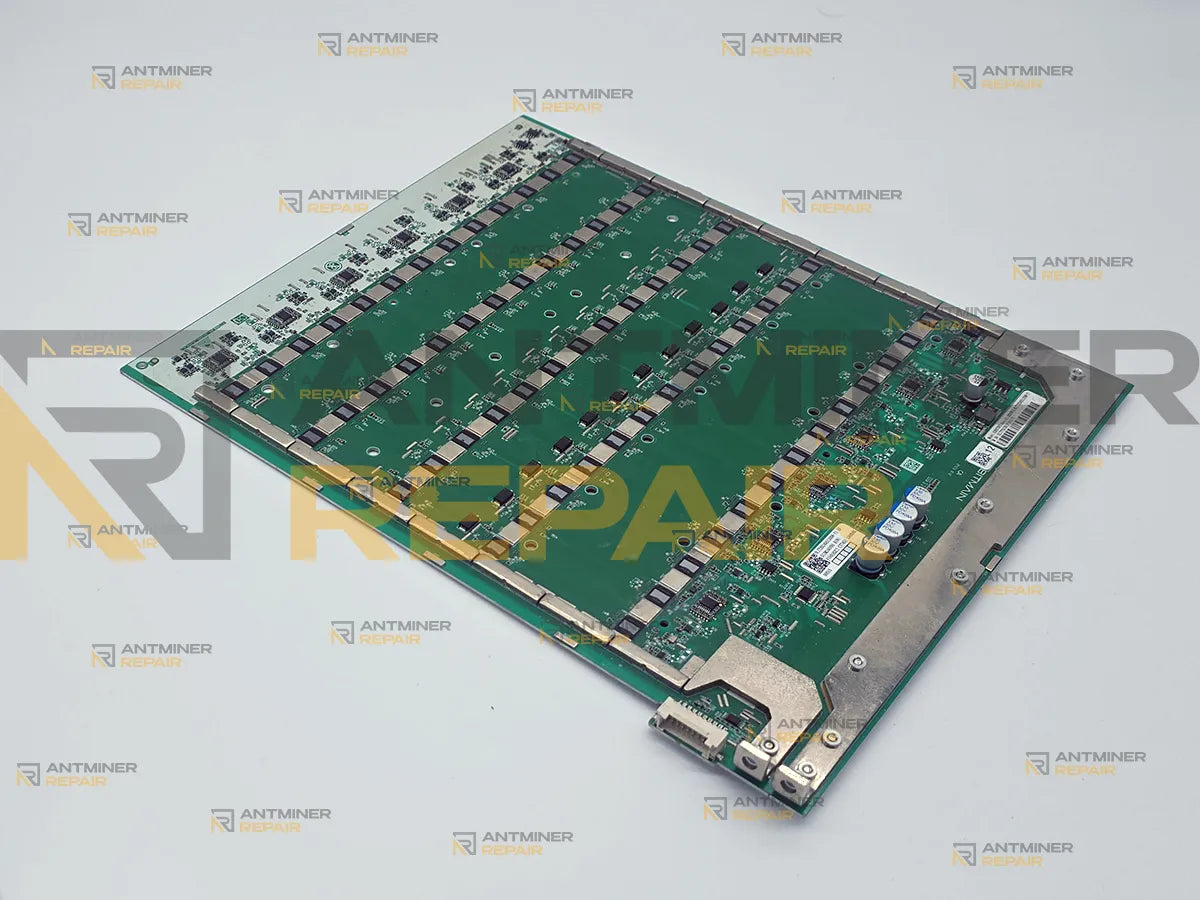
I recently experienced a failure of one of the three hashboards in my Antminer S21 Pro. The board ceased functioning, and I believe the cause was overheating. I sent the board to Antminer Repair for service.
The team handled the repair with professionalism and transparency. They remained responsive and kept me informed of the status throughout the process. I also appreciate that the company is based in the USA.
After reinstalling the repaired board, I observed that it now operates at a lower temperature and delivers a higher hashrate than the other two original boards in the same miner. The improvement in both thermal performance and hashing output has been clear and consistent.
I highly recommend Antminer Repair for Antminer hashboard repairs. Their technical workmanship and communication set a high standard. I would definitely use their service again.
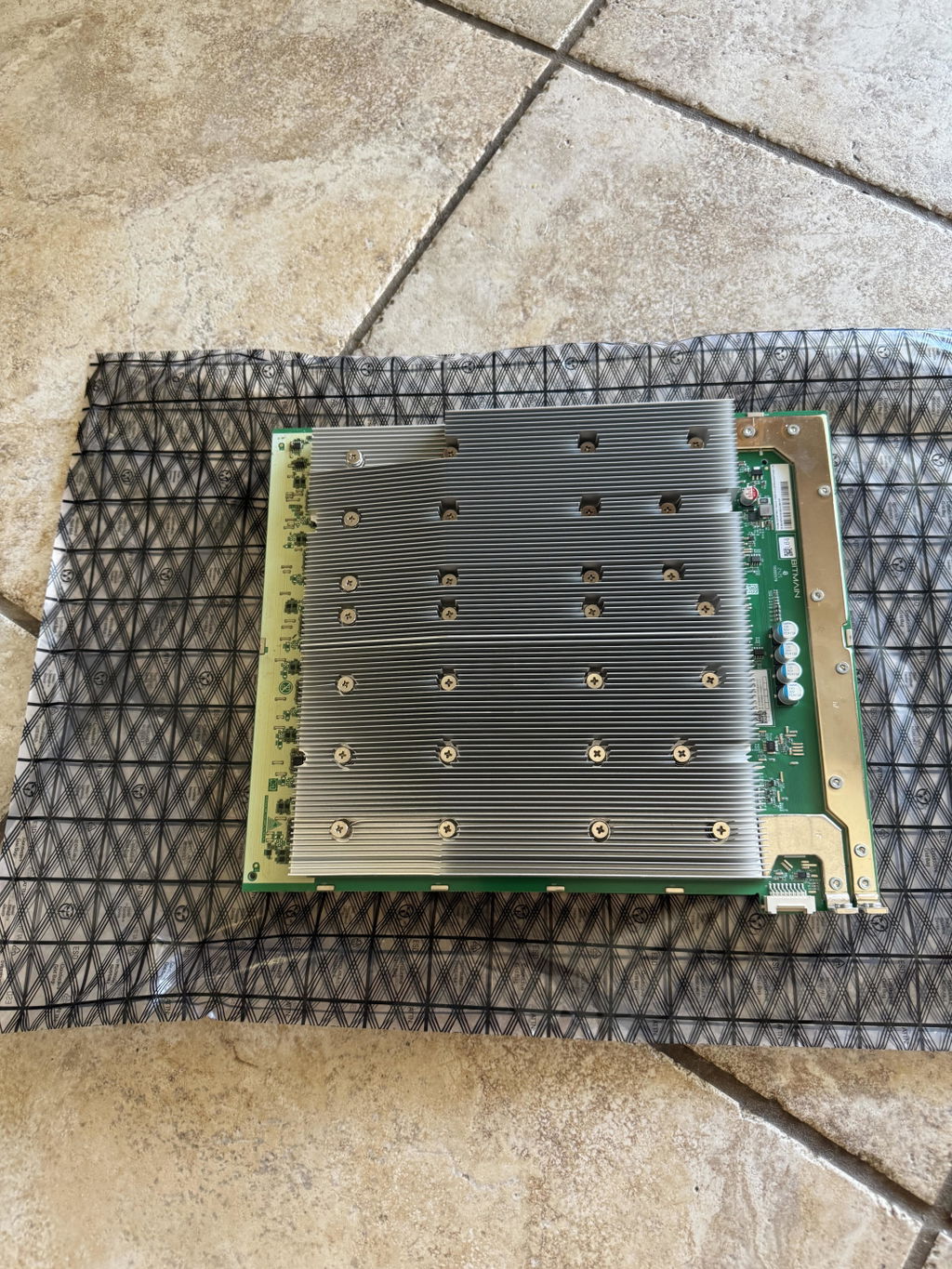
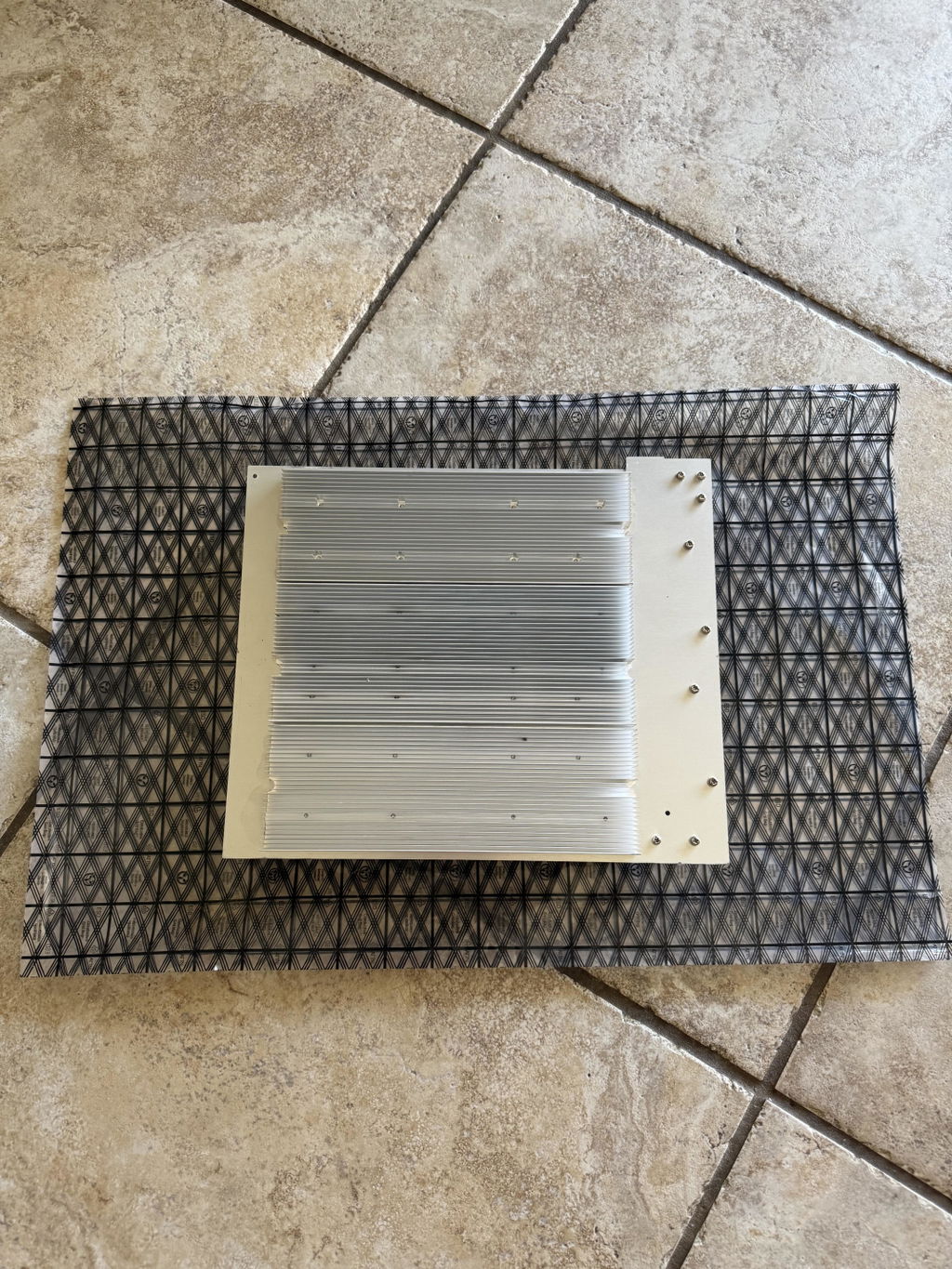
Hi Michael, thank you so much for sharing your positive experience! We're thrilled to hear that the repair exceeded your expectations and improved your miner's performance. We appreciate your trust and look forward to assisting you again in the future!
My hashboard was repaired flawlessly! and it was a quick turn around to add! Nothing but great things with these guys and looking forward to using their services again should the need arise.
Thank you, Sean! We’re delighted to hear you’re satisfied with our service. We look forward to assisting you again in the future.Appreciate that, Sean. Turnaround is the thing we watch hardest - a board sitting in a repair shop is a board not making money. Glad yours went out fast and clean. See you next time one acts up (hopefully not too soon).
Hashboard is working fine after the repair. Happy with the final result.
Thank you for your positive feedback! We're glad to hear the hashboard is working well. Feel free to contact us if you need further assistance.
prompt turnaround with high level ability to troubleshoot, diagnose and rapid repair in order to get my S21XP hashboard back into service to recover losses from miner downtime. Great communication skills and honest. Highly recommend!!!
Great job, quick return and everything as up and running as it should be! Thank you!
really appreciate the level of transparency and honesty as well at the quality of work.
Aleksandr did great job repairing my S21 hashboard. I will use his service again. Very fast turnaround.
Another SUPER job!!
I love working with Aleksander. Fast repairs, super clean work.
Thank you!