


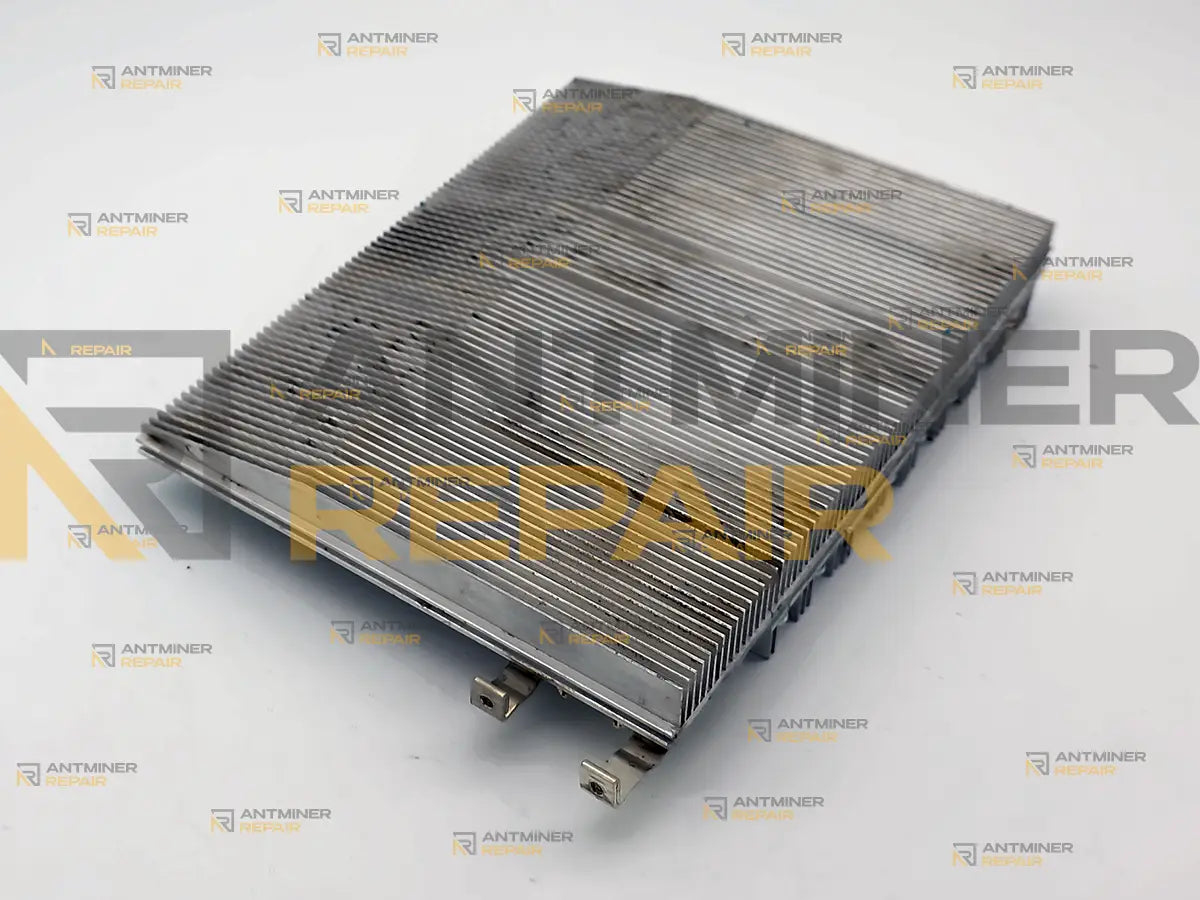
Yes — most iBeLink BM-S3 hashboard faults are repairable at component level. A healthy BM-S3 board reports 96 chips and a full chip map; any other count is a fault, and because the map works in groups of three, the count falls by three at a time. We diagnose, repair and load-test the board in the USA.
iBeLink BM-S3 hashboard repair starts with the numbers the miner reports about itself: how many chips each board finds, and whether its chip map comes back complete. From those two values we work down to the component that failed, repair it on the board, and validate the result under load in a running machine. You do not need to work out which of the three boards is at fault before contacting us — that is our job, and on this model it is not something the owner can reliably do from the interface alone. Our lab is USA-based, so a BM-S3 never has to leave the country to be repaired.
Technical Diagnostics and Common Issues with iBeLink BM-S3
Quick Symptom Checklist
These are the things owners actually see. Where a line from the machine's log is quoted, the digits inside it differ from machine to machine — it is the shape of the message that identifies the fault, not the numbers in it.
- One board on the Status page shows fewer than 96 chips — 93, 90, 87 — while the other two still show 96.
- The
Activemap for one board is no longer solid: a position has gone dark where the healthy boards show a full map. - The log records the miner comparing its own boards and finding one short:
blade 0 asics 96 != blade 1 asics 12 - The miner restarts itself every ten minutes or so, and the log keeps repeating
blade 1 rd_chip_id no return 002,003,004,005,006,007,008,009,010, errorfollowed byreconfig(10 minutes 0 chips return nonce diff 65535.000000) blade 1 failed will restart cgminer - The machine stops on temperature although the room is cool — either
Too high temperature, cannot mine!, or a line that names one chip:blade 1 pll 570 chip 70 has max temp 107.60 (100.00) temperature 63.12 (72+5) will stop miner - Nothing hashes at all and the log ends with
All devices disabled, cannot mine!orNo chips, please check! - The web interface shows no board table at all, or sits on The application is starting, please wait a moment... and never moves on.
- Hashrate creeps down with no error shown, while the log fills with lines like
blade 2 chip 10 cur_temp 100.13 exceeds limit 95.00 change pll 570 to 560
Two things are worth ruling out before you ship anything: reseat the board's power and data connections with the machine unplugged, and confirm the pool and network are not the reason the rate looks wrong. A log full of No servers could be used! Exiting. or pool_died lines is a connection problem, not a board. Neither check costs anything, and both save an unnecessary shipment.
Model-Specific Patterns We See on iBeLink BM-S3
The chip count drops by three, and owners read it as three dead chips. On this model the chip map is not per chip — each position in it covers a group of three. A single failed group takes the count from 96 to 93 and puts one gap in the map, which is why the number almost never falls by one. The map tells us which group stopped answering, not which chip inside it did; the per-chip view is what actually identifies the part, and it is not the view most owners are looking at. There is a second trap in the same place: the machine's log numbers boards and chips from zero, while the web interface numbers them from one. The same chip is chip 12 in the log and U13 on screen, so a board can come in with the wrong chip circled.
Bare chip pads are factory-normal on this board. The BM-S3 hashboard is built on a platform laid out for 108 chip positions, and this model populates 96 of them — twelve pads are left empty at the factory, in four groups of three. An owner who opens the machine and counts will find them, and boards do arrive described as "missing twelve chips" when nothing has been removed at all. The number that decides whether the board is healthy is the one the miner itself reports, not the one you get by counting bare pads.
A temperature stop rarely means the board is hot. The BM-S3 does not report a stopped fan as a fan fault: when airflow fails, the machine stops in temperature language and never mentions the fans, so an airflow problem and a board problem look identical from the owner's side. The same stop line has a second cause that has nothing to do with fans at all — a single chip reporting 105 to 107 degrees while the board it sits on averages 60 to 63. The message names the chip, the board temperature on screen looks perfectly normal, and the whole miner stops for that one part; on one machine we had it stopped eleven times in fifty minutes. Whether that chip has lost its thermal contact or is failing is decided on the bench, because from the log the two look the same. Either way, a board replaced for "overheating" fails again within days if the real cause was never found.
A board that stops answering has two faces, and neither means it is dead. If no chips answer when the miner starts, the mining process exits and takes the web interface's data with it — the page ends up blank whether the fault is in a hashboard, in the wiring to it, or in the controller. That is the state owners describe as "bricked", and it is three different repairs wearing the same face. The quieter version is a board that is still listed but answers with its first chip and then goes silent: the count reads 0 or 12, the log repeats rd_chip_id no return, and the miner restarts itself every ten minutes trying to bring the board back. The chips behind the break are unreachable, not failed. On the machine this page was written from, that line had been in the log for fourteen months before the first hard stop.
Hardware Notes
| Specification | Details |
|---|---|
| Algorithm and cooling | Blake2B (Siacoin), air-cooled |
| Miner hashrate | Roughly 14.5 to 19 TH/s from three boards depending on revision, so one failed board costs about a third of the machine |
| Hashboards per miner | 3 |
| Chips per board | 96 on a healthy board, reported in the Chips column; 288 across the machine. The board itself is laid out for 108 positions, so twelve pads are bare from the factory |
| How the chips are grouped | The interface shows an Active map in which each position covers three chips, so a fault moves the chip count in steps of three |
| How the boards are named | The log calls them blade 0 to blade 2; the web interface calls the same boards Chain 1 to Chain 3
|
| Chip family | iBeLink's own Blake2B ASIC, marked NEUL0712 on the package. No datasheet is published under that number and no distributor catalogue carries it, so the marking on the chip is the only name this part has. We keep the NEUL0712 chip in stock in the USA |
| Hashboard part number | iBeLink publishes none. The board carries its own silkscreen marking, TNB_NL36x3_V12, with the build date printed beside it, and an individual serial the miner reports as Chain SN
|


What the Log Is Telling You
You do not need to act on anything in this table. It is here so you know what state the board is in before you decide whether to send the machine in, and so the message on your screen has a plain-language meaning next to it. One thing worth knowing: on the machine this page was written from, the first of these lines appeared fourteen months before the miner finally stopped. The log usually knows long before the owner does.
| What you see | What it usually means | What we do with it |
|---|---|---|
One board shows 93 chips and a gap in its Active map |
One group of three chips has stopped answering; the rest of the board is intact | We map the board chip by chip, find the failed part inside that group and repair it at component level |
blade 0 asics 96 != blade 1 asics 93 |
The miner comparing its own boards and finding one short | We bench each board on its own, so a shortfall is confirmed on the board itself rather than inferred from the machine |
blade 1 rd_chip_id no return 002,003,004,005,006,007,008,009,010, error |
The board's chip chain stops answering right after the first chip; everything behind that point is unreachable, not failed | We find where the chain breaks and repair that point, then confirm the whole board reports its full count |
bist blade 1 low chips num 12 do not run |
The board found too few chips to be allowed to mine, so the miner carries on with the other two | We restore the chain first, then re-test the board's full count warm and under load |
All devices disabled, cannot mine! and an empty interface |
Nothing answered at startup, so the miner stopped and the interface has nothing to show | We separate a failed hashboard from a failed controller before quoting anything, because the symptom is the same for both |
No chips, please check! |
The connection to the board is intact but the chips are silent | We test the board's own communication first, then power, before looking at individual chips |
chip 70 has max temp 107.60 (100.00) temperature 63.12 (72+5) will stop miner |
One chip far over its limit while the board itself is cool: a local fault at that chip, not an airflow problem | We check that chip's thermal contact and the chip itself, and prove the fix with the board warm in the machine |
Too high temperature, cannot mine! on a cool day |
Thermal protection tripped — often airflow rather than the board, since a stopped fan is never named in the log | We run the board under load with known-good airflow, so a cooling fault is not mistaken for a board fault |
chip 10 cur_temp 100.13 exceeds limit 95.00 change pll 570 to 560 |
The miner lowering its own frequency chip by chip to stay under the limit — the hashrate falls and no error is shown | We look at which chips trip it: a run of neighbouring chips points to a cooling zone on the board, scattered chips point to the parts themselves |
Abnormal temperature sense of calc-board |
The board's own temperature reporting has failed, so the machine is flying blind on that board | We restore the board's temperature reporting before load testing, because without it the test proves nothing |

Diagnostics Focus
Two priorities decide the order we work in on this model. First, we establish which of three things is actually broken — the hashboard, the airflow around it, or the controller that talks to it — because on a BM-S3 all three present to the owner as a machine that will not hash, and two of them do not need a board repair at all. Second, we work from the per-chip picture rather than the grouped map the machine displays: the group map is accurate but coarse, and a repair quoted from it would be a guess about which part inside the group failed.
Our Professional Repair Process
Gotchas
We never quote a BM-S3 board from its on-screen map. The map an owner can see resolves to groups of three chips, so it narrows a fault to a neighbourhood and no further. We put the board on the bench and read it per chip before saying what the repair is, which is also why the hardware comes to us rather than a screenshot of it.
Boards are factory-graded, and we keep a board on its own grade. BM-S3 boards leave the factory sorted by silicon quality, and the machine sets its working point to suit the board it has. That is the practical argument against dropping in a used board bought online: a donor of a different grade can pull the whole machine down to its level, while a repaired original keeps the machine on the grade it was built with.
Typical Service Scenario
Dust and heat in a small box. The BM-S3 packs its power into a compact chassis, and intake air that is dusty or warm pushes it into thermal throttling — and then into a protective shutdown — earlier than a full-size machine would. Boards from these machines usually arrive with heat damage concentrated in one area rather than scattered.
Quiet and immersion conversions. A fair number of BM-S3 machines have had their original fans removed for silent enclosures or fluid cooling. The miner still expects its fans to be reporting, and there is a market in devices that supply that signal — which keeps the machine running but does nothing about the heat. Those boards come in thermally damaged with an untroubled log behind them.
A fleet past its warranty with no service at home. These machines shipped in early 2024, the factory warranty period is long over, and the manufacturer's own repair route sends the board overseas at the owner's expense. That leaves owners in the USA with a working machine, a dead board and no local option — which is the situation this service exists for.

What Happens After Intake
Every board follows the same route: intake, incoming inspection, diagnostics, component-level repair, then cleaning and replacement of the thermal interface. Testing is done on our STASIC and ASIC REPAIR testers and then in your own machine under load for a minimum of one hour, so the board is proven in the miner it came out of and not only on a bench. Extended burn-in testing beyond that hour is available as a separate add-on.
What We Need You to Send
For the BM-S3 we ask for the complete miner rather than a loose hashboard, and that holds even when only one of the three boards has failed. The reason is specific to this model: no bench fixture for a BM-S3 board exists on the market, so the only thing a repaired board can be proved in is a BM-S3 — and we do not keep one of these machines on the shelf. The machine that validates your board is your own. A board sent on its own can be repaired, but it cannot be tested under load before it goes back, and we do not return work we were unable to test.
Diagnostics and Validation Equipment
Board-level work is verified on STASIC and ASIC REPAIR testers, which read the board's own chip inventory back to us the way the miner does. Final validation is always in a running machine under load — a board that passes on a tester but will not hold its chip count warm has not passed, which is the second reason the whole miner comes in with the board.
All repairs are performed personally by Alex, who has been servicing ASIC miners since 2019. See credentials →
Contact our repair team today and get your miner back to full power.