


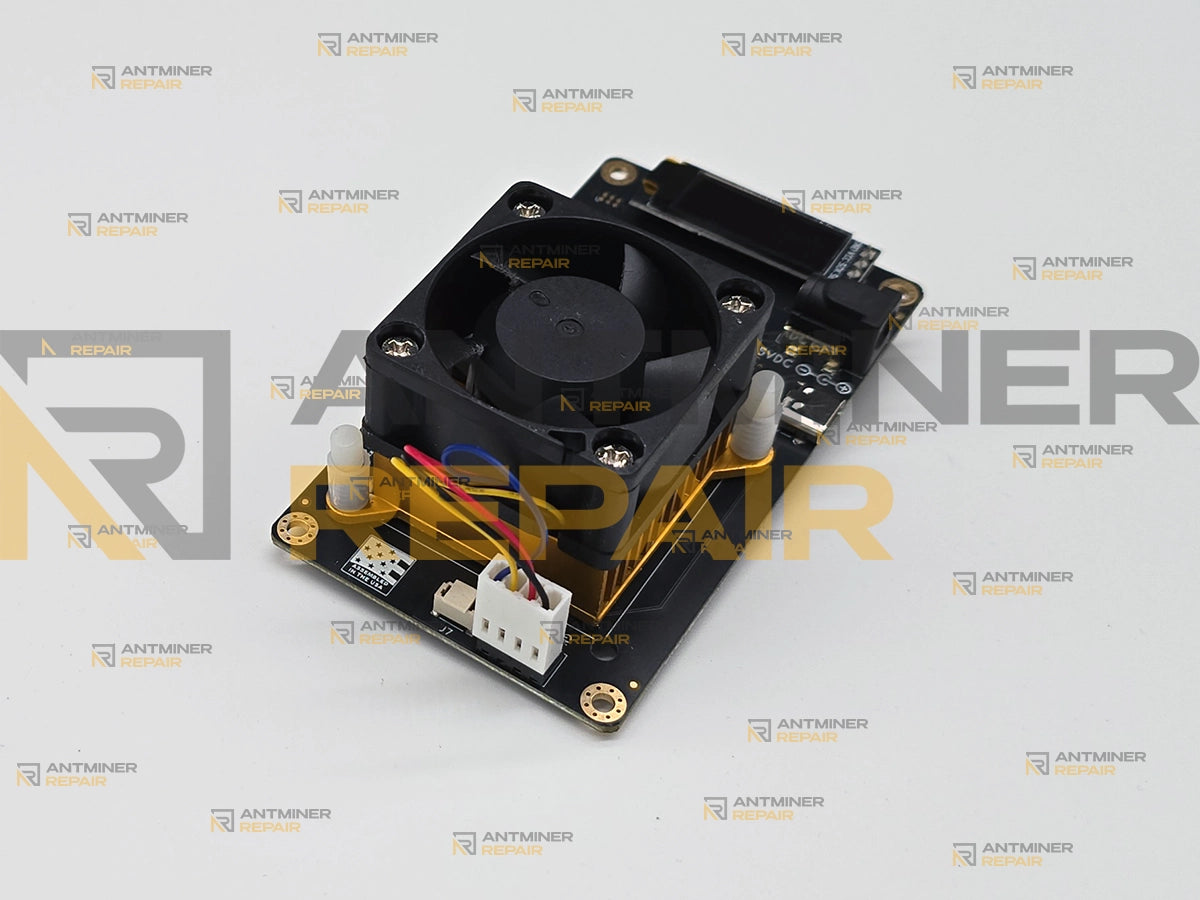
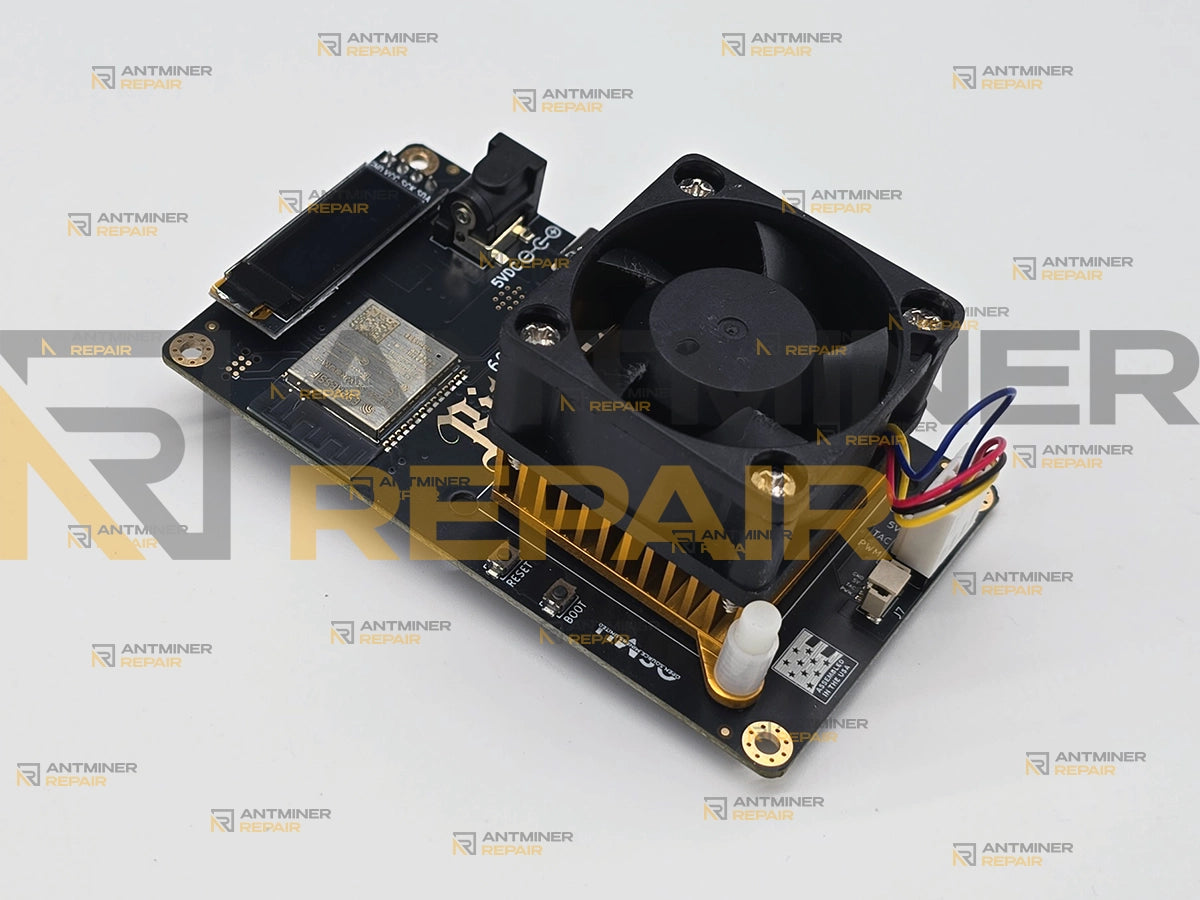
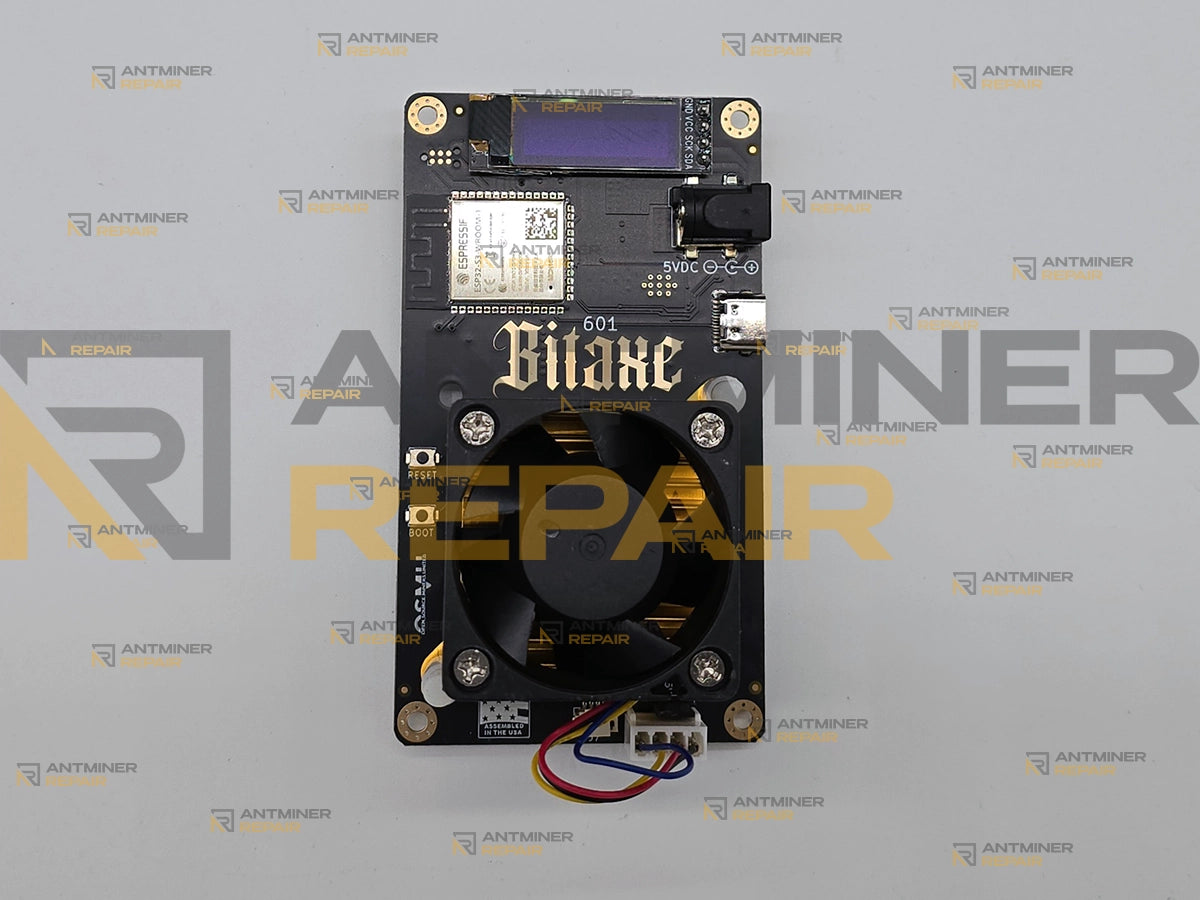
Bitaxe Gamma 601 repair fixes the fault that dominates this model — one problem wearing two faces: AxeOS reporting Power Fault Detected. Check your Power Supply., or a board that boots, joins its pool and holds 0 GH/s while drawing roughly 5 W with a cold chip. Both are repairable at component level.
A Bitaxe Gamma 601 on the bench usually arrives still lit up. The fan spins, AxeOS answers on the network, the pool shows the worker connected — and the chip stays cold at 0 GH/s, or a red power-fault banner sits across the dashboard. We take these in as complete devices, isolate the 5 V input path and the single TPS546D24A core rail at component level, and hand the unit back only after it hashes on its own diagnostic surface. Board revisions 601 and 602 are serviced on this page; they share the same ASIC and the same stock tuning.
Technical Diagnostics and Common Issues with Bitaxe Gamma 601 / 602
Quick Symptom Checklist
- AxeOS shows
Power Fault Detected. Check your Power Supply.across the dashboard and the telemetry tiles readNot available - Power fault. - The device boots, connects to Wi-Fi and the pool, but holds 0 GH/s while pulling about 5 W from the wall and the heatsink stays cold.
- The screen shows
DEVICE OVERHEAT!followed byPower, frequency and fan configurations have been reset. Go to AxeOS to reconfigure device.— and afterwards the dashboard readsBitaxe frequency is set low - See settings. - Self-test stops with
SELF-TEST FAIL!and a short code such asVCORE:PWR FAULT,POWER:FAIL,VCORE:FAILorHASHRATE:FAIL. - The screen header
ASIC STATUS:is followed byASIC chain detection failed; on the serial console this appears asASIC initialization failed - chip chain detection failedorMining start failed - ASIC not detected. - The dashboard flags
Danger: Low VoltageorDanger: High Temperature, the OLED is blank while the fan still spins, or the hashrate field reads-- h/s.

asic_result entries carrying nonce and difficulty, interleaved with fan_controller temperature lines. This one is a healthy unit. On a device that will not hash, this is where the failure states itself in plain text.Try This Before You Ship It In
Most of what reaches us is genuinely hardware, but a real share of Gamma faults are a supply, a cable, a fan or a stale setting. Work through this first — if none of it moves the needle, the fault is on the board and that is what we fix.
- Pull the power for 30 seconds. Not the Restart button in AxeOS — unplug it. The 0 GH/s-at-5-W state does not always clear on a warm restart, and the project's own issue tracker is split on whether a soft restart ever recovers it. A full cold cycle is the only version that is not in dispute.
- Check the supply and the cable before anything else. This board is 5 V DC only through a 5.5 × 2.1 mm centre-positive barrel jack and needs more than 4 A (20 W). A bench or ATX supply will trip the power fault even at a correct-looking 5.1 V. Thin or long cable runs drop enough to do the same.
- Confirm the fan is the right fan, fitted the right way. It must be a 5 V 4-pin PWM unit — a 3-pin loses PWM control entirely, and a fan that is not a 5 V part can load the rail hard enough to throw a power fault on its own. The airflow must blow into the heatsink, not away from it.
- Put frequency and core voltage back to stock: 525 MHz and 1150 mV. Settings survive in NVS, so a unit that was tuned on better cooling will misbehave the moment it goes back on the stock brick and heatsink. If the device is sitting in overheat, use the disable overheat mode control at the bottom of the AxeOS settings tab — without it the board stays derated at 400 MHz indefinitely.
-
Reflash to stock with a USB-A to USB-C cable. C-to-C does not enumerate on revisions before 602. Use the official web flasher and select the board number — 601 or 602 — explicitly; skip that step and the flasher reports success while the device fails to come up. If the dashboard is dead but the device answers,
http://<device-ip>/recoverywill still load. - Rule out the network before blaming the board. This device is 2.4 GHz only. Combined 2.4/5 GHz SSIDs and router IoT-protection features break the join, and a local node that withholds work will show up as a near-100 percent error rate on perfectly healthy hardware.
-
Scan it and read the telemetry. Run the built-in self-test, then pull
http://<device-ip>/api/system/info. That JSON exposes per-domain hashrate, error rate, voltages and temperatures — enough to tell a dead chip from a bad supply without opening anything. NerdScan reads the same data across every AxeOS miner on your network at once.
If you send it in, that JSON and a serial boot log are the two most useful things you can attach — we have diagnosed units down to a single failed hash domain from those alone.
Model-Specific Patterns We See on Bitaxe Gamma 601 / 602
-
Power fault on the single 5 V rail. This is the most common thing we see. On the serial console it decodes as
The output voltage is NOT within the regulation window. PGOOD pin is asserted.or, when the regulator has stopped answering entirely,Cannot find TPS546 regulator - Device ID mismatchwith a device ID reading back asDevice ID: ff ff ff ff ff ff. The Gamma has less margin here than its siblings: one 5 V input, no fuse, no input protection, roughly 19 to 22 W of draw. Multi-chip 12 V boards simply do not fail this way as often. - 0 GH/s at about 5 W with a cold chip. The board comes up, the network is fine, the pool is issuing work, and nothing hashes. Power draw sits near a quarter of normal and the heatsink never warms. This one is open on the project's own tracker with maintainers assigned, and the reports there disagree about whether a soft restart ever clears it. We do not rely on one either way: the unit gets a full cold cycle and a clean flash before any conclusion is drawn about the silicon.
- The regulator runs hotter than the ASIC, and the recovery looks like a failure. On this board the TPS546D24A routinely reads warmer than the chip it feeds. Once the ASIC passes 75 °C or the regulator passes 105 °C the firmware latches overheat, wipes the tuning and steps the device down by 100 mV and 100 MHz at a time — floor 1000 mV and 400 MHz. Owners read the resulting slow, quiet, stable device as broken. It is not broken; it is protecting itself, and the real work is finding why it got hot.
- Heatsink mount failure that kills the chip weeks later. The heatsink sits on plastic push-pins with the die in the middle of the board, which makes it a single-point fulcrum. Pins snap or pull through — usually on the underside, where nobody sees it — coplanarity goes, and the ASIC dies some time afterwards with no obvious connection to the moment it was disturbed. Worth knowing before you order a chip: reflowing a heat-killed BM1370 does not bring it back. Only replacement does.

Hardware Notes
| Specification | Details |
|---|---|
| Algorithm | SHA-256 |
| Coin targeted | Bitcoin. Ships pointed at solo pools with an all-or-nothing full-block payout, which is why the community calls this class a lottery miner |
| Device type | Complete self-contained solo miner, serviced as one whole unit — not a plug-in hashboard pulled from a larger chassis |
| Enclosure format | Open board. Bare PCB with heatsink, fan and printed stand; any case is a third-party addition |
| Hashing topology | One ASIC on a single voltage domain. There is no board-level domain structure to isolate |
| ASIC marking | BM1370, the same silicon used in the Antminer S21 Pro |
| Inside the die | Firmware reports 128 cores across 4 hash domains within the single chip. These sit inside the package, not on the board — one failed domain still costs a quarter or more of total output with no redundancy to fall back on |
| Rated hashrate | Firmware expects 1.07 TH/s at stock. The project's own documentation states about 1.2 TH/s; we record the disagreement rather than picking one, and validate against the figure the device itself reports |
| Stock tuning | 525 MHz at 1150 mV — identical on 601 and 602 |
| Controller platform | ESP32-S3-WROOM-1-N16R8, 16 MB flash and 8 MB octal PSRAM. Stock firmware runs on the N16R8 variant only |
| Firmware family and provenance | ESP-Miner with the AxeOS web interface. Fully open source — GPL-3.0 firmware on CERN-OHL-S-2.0 hardware — and reflashable by the owner |
| Core voltage regulator | TPS546D24ARVFR. Firmware programs an over-temperature warning at 105 °C and a hard fault at 145 °C. On this board the regulator routinely runs hotter than the ASIC it feeds |
| Power input type and rating | 5 V DC only, through a 5.5 × 2.1 mm centre-positive barrel jack, more than 4 A (20 W) required. Feeding 12 V into this jack destroys the regulator chain outright |
| Firmware power target | Self-test expects 19 W on board 601 and 22 W on board 602, with a 3 W margin. This is the pass criterion the device applies to itself, not a measured consumption figure |
| Cooling type | Active air. 40 × 40 mm heatsink with a 40 × 40 × 20 mm 5 V 4-pin PWM fan driven by an EMC2101 controller, which also reads ASIC die temperature |
| Display | SSD1306 0.91 in 128 × 32 OLED. A blank screen on a device that is otherwise running normally usually points at the display rather than the board |
| Input protection | None fitted. No fuse and no reverse-polarity protection on the 5 V input |
| Revision identification | The readable identifier is the boot line Board Version: 601 or 602. Silkscreen is not a reliable guide — assemblers have reported 602 boards shipping with 601 printed on them |
Diagnostics Focus
- The 5 V input and the single core rail, in that order. Because everything hangs off one 5 V input with no fuse and no input protection, we characterise the supply, the barrel jack and the TPS546D24A before we form any opinion about the ASIC. The regulator's own PMBus fault words tell us whether we are looking at a regulation-window fault, an over-current event, a thermal trip or a dead I2C bus — four very different repairs that all surface to the owner as the same red banner.
- Per-domain hashrate inside the single chip. The four hash domains inside the BM1370 are individually visible in the device's own telemetry. A board reporting close to 100 percent error rate with output pinned near a quarter of normal is a domain-level silicon fault, not a tuning problem — and newer firmware surfaces faults that older builds averaged away, so a device that appears to have broken right after an update frequently had the defect all along.

Diagnostic Decision Tree
| Symptom | Likely cause | What we check first |
|---|---|---|
Power Fault Detected. Check your Power Supply. on a supply you trust |
Regulation-window trip, marginal supply, or a fan loading the 5 V rail | PMBus fault word on the serial console, input voltage under load, fan part and orientation |
| 0 GH/s, roughly 5 W, chip cold | Wedged ASIC state, or core rail never reaching target | Whether a cold cycle recovers it, then core voltage at the die against the 1150 mV target |
| Hashrate pinned near a quarter of normal, error rate close to 100 percent | One failed hash domain inside the chip | Per-domain figures in the device telemetry before anything is desoldered |
| Blank OLED, fan spinning normally | Bent display pins or a cracked panel, not a dead board | Display seating and pin condition, then the display circuit on the board |
No network, fan stuck at 70 percent, temperature reads -1.0°C
|
Firmware-side I2C initialisation, not a dead sensor | Boot log for i2c_master_transmit_receive(1206): i2c handle not initialized and the firmware version it happened on |
| Runs slow and cool and will not go faster | Latched overheat and automatic derate, working as designed | Overheat flag state, then why it got hot: thermal interface, heatsink seating, regulator temperature |
| Device will not enumerate for flashing | USB-C host port on a pre-602 board, or a charge-only cable | Re-attempt on USB-A with a data cable before any board-level work |
Our Professional Repair Process
Gotchas
-
Tuning survives in NVS, and it will fail the board on stock hardware. A device that was overclocked on a bigger cooler and a stronger supply keeps those settings when it is unplugged. Put it back on the stock brick and stock heatsink and it reads as a supply failure — and after a reflash it will stop in self-test on
VCORE:PWR FAULT. More flashing will not clear that state: recovery is a specific power-and-button sequence performed on the board itself, after which the Wi-Fi has to be set up again. We do that at intake. - A burnt regulator is usually the symptom, not the fault. When the BM1370 fails short it can take a nearby regulator down with it. That is why a board can come back from a cheap regulator swap and still refuse to hash — the part that was replaced was never the cause. On a single-ASIC board there is no second chip to compare against, so we establish which of the two actually failed before quoting anything, and you are not paying twice for one fault.
Typical Service Scenario
- Ran fine for months, then a red banner. The unit sat on a shelf, the room warmed up over summer, and one day AxeOS came up with a power fault that will not clear across two different supplies and a reflash. Usually the regulator or the input path, occasionally the fan that was swapped six months earlier.
-
Something got moved. The device was picked up, knocked, or carried to a different room. It kept working for a while and then went to 0 GH/s or
-- h/s. When we open it, a heatsink push-pin has failed on the underside and the die has been running without proper contact since the day it was disturbed. - Maintenance made it worse. Owner repasted it or fitted a quieter fan, and it has not hashed since. This one is common enough that we ask about recent maintenance at intake as a matter of routine — the fix is often a fan spec or an orientation, and occasionally it is damage done during disassembly.
What Happens After Intake
Intake and photographs of the received condition, including the exact board revision read from the boot log rather than the silkscreen. Incoming inspection of the barrel jack, the 5 V input path, the regulator area, the fan header, the display pins and the heatsink mount — with particular attention to the underside of the board, where a failed push-pin hides.
Diagnostics next: we capture a full serial boot log and the device's own JSON telemetry, decode the regulator's PMBus fault word, measure the core rail against its 1150 mV target under load, and compare per-domain hashrate inside the chip. That sequence separates a firmware or configuration problem from real silicon before anything is desoldered.
Then component-level repair on whatever the diagnostics actually implicated — input path, regulator, low-dropout rails, fan control, display circuit, or the ASIC itself where the die is confirmed dead and replacement makes economic sense. Cleaning and thermal interface replacement follow, with the heatsink remounted properly rather than pressed back onto tired plastic.
Validation is done through the device's own diagnostic surface, because this is a self-contained miner rather than a loose board: the built-in self-test must pass, AxeOS must report sane voltages and temperatures, the JSON telemetry must show all four hash domains contributing, and the unit then runs a minimum two-hour burn-in under real mining load. We use two hours rather than one here on purpose — there is no second board to carry the customer if this one fails after return. Extended testing beyond that is available as a separate add-on.
Diagnostics & Validation Equipment
Bench power diagnostics with current logging, multimeter fault isolation on the 5 V and core rails, thermal inspection across the regulator and die, the device's own diagnostic surface — serial console, built-in self-test, AxeOS and its JSON telemetry endpoint — and live burn-in under real mining load. Bench fixtures built for loose industrial hashboards have no application to a complete device like this one and play no part in validating it.

All repairs are performed personally by Aleksandr Muranov, 7 years of ASIC repair experience. See credentials →
Contact our repair team today and get your miner back to full power.
Technical FAQ
Q: Why does my Bitaxe Gamma 601 show Power Fault Detected. Check your Power Supply. when the power supply tests fine?
Q: My Bitaxe Gamma 601 is not hashing and only draws about 5 W with a cold chip. Is the BM1370 dead?
Q: Can I fix a Bitaxe Gamma 601 myself, or do I need to ship it in for repair?
Q: Do I send the whole Bitaxe Gamma 601 or just the board for repair?
Q: Is it worth repairing a Bitaxe Gamma 601, or should I just buy a new one?
Q: Is 82 degrees normal for a Bitaxe Gamma 601 voltage regulator?
Q: What does VCORE:PWR FAULT mean when my Bitaxe Gamma 601 self-test fails?
Q: Do you repair the Bitaxe Gamma 602 as well, and how do I tell which board revision I have?
Related Services
- Browse every solo miner we service
- AxeOS firmware recovery and reflash help
- NerdScan: read every AxeOS miner on your network at once
- BM1370 die replacement, quoted after diagnosis
- How a board moves through our bench
- Packing a compact miner so it survives the trip
- Extended burn-in beyond the standard two hours
- Talk to the technician before you ship
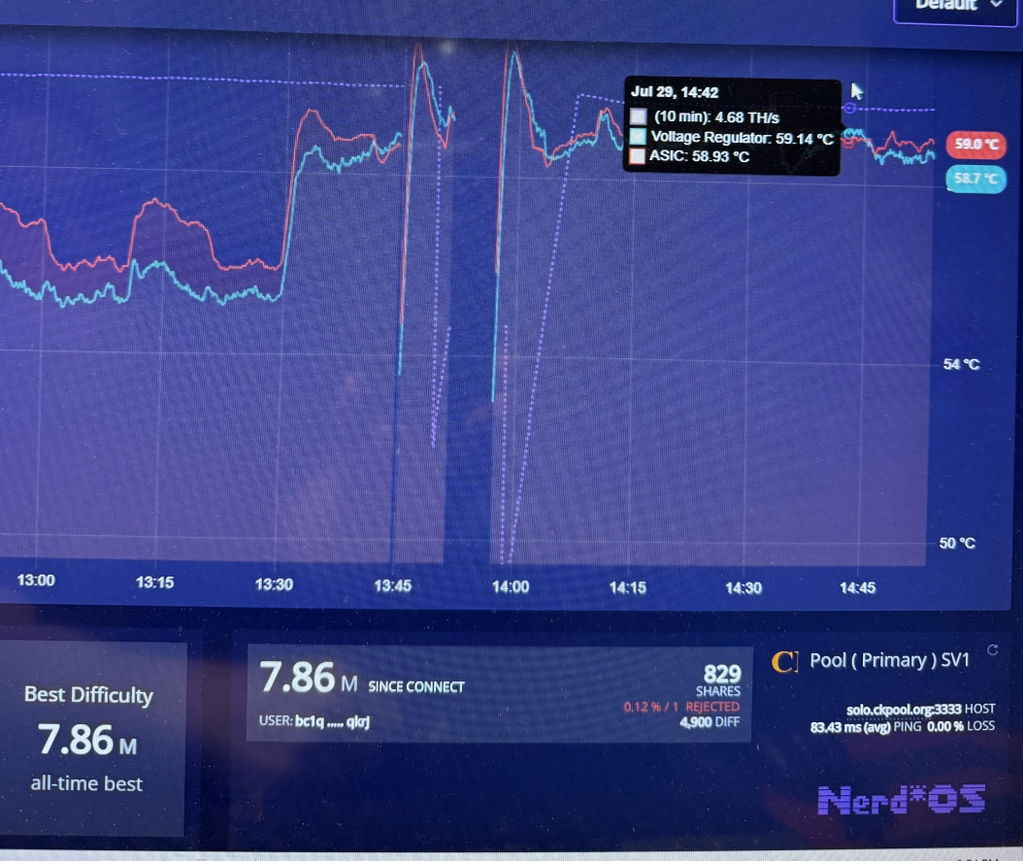
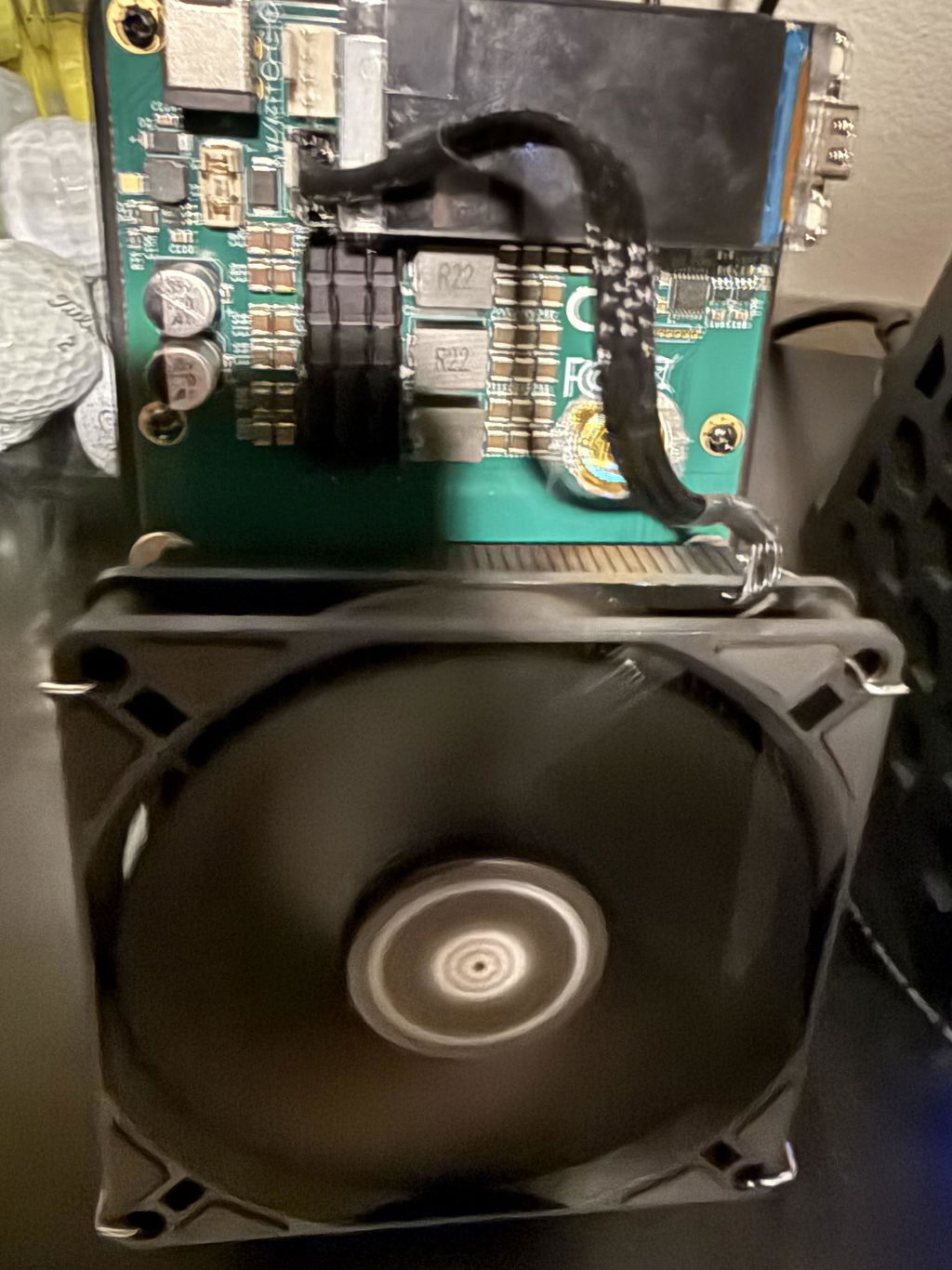
I contacted Antminer Repair about repairing my Yysluping NerdQaxe++ rev. 6.1 that was repeatedly blowing fuses. My limited testing showed a short circuit. I sent it to them and they repaired it in a single day. It's been running about 12 hours with zero issues. Excellent communication and very fast service at a reasonable cost. Thanks!
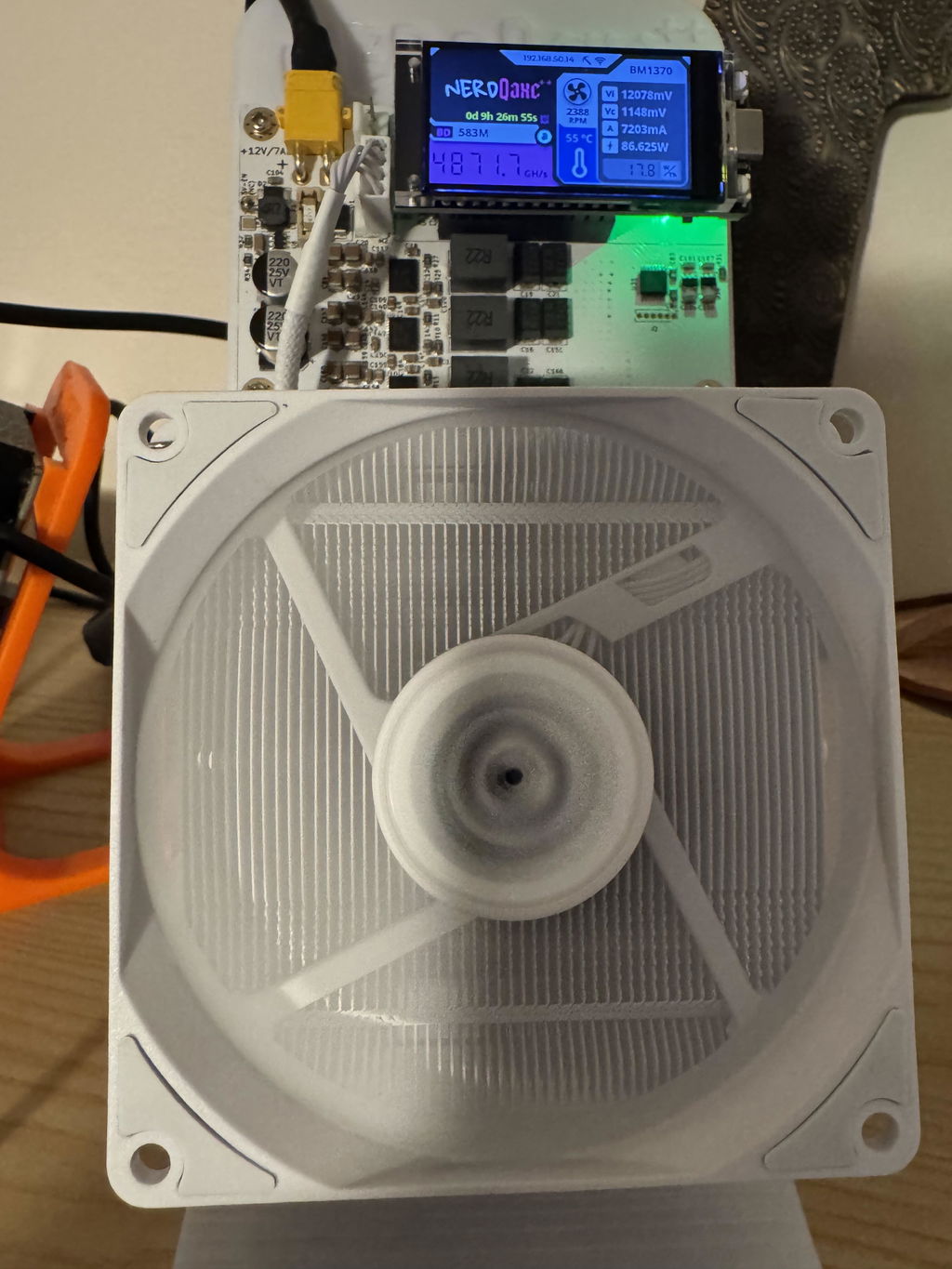
Great communication. Quick repair and return. Highly recommend. Trusted repair company.
Hi Jon, thank you for your kind words! We're glad you're satisfied with our service!!!
Super fast and precise service! Unit arrived back only several days after I shipped it to them. Visually there is no sign of any repair, unit looks like new, no flux, solder or any repairs residue. Most importantly, it works like a charm. These folks know their business and I'll use them again if necessary. Very satisfied!!!
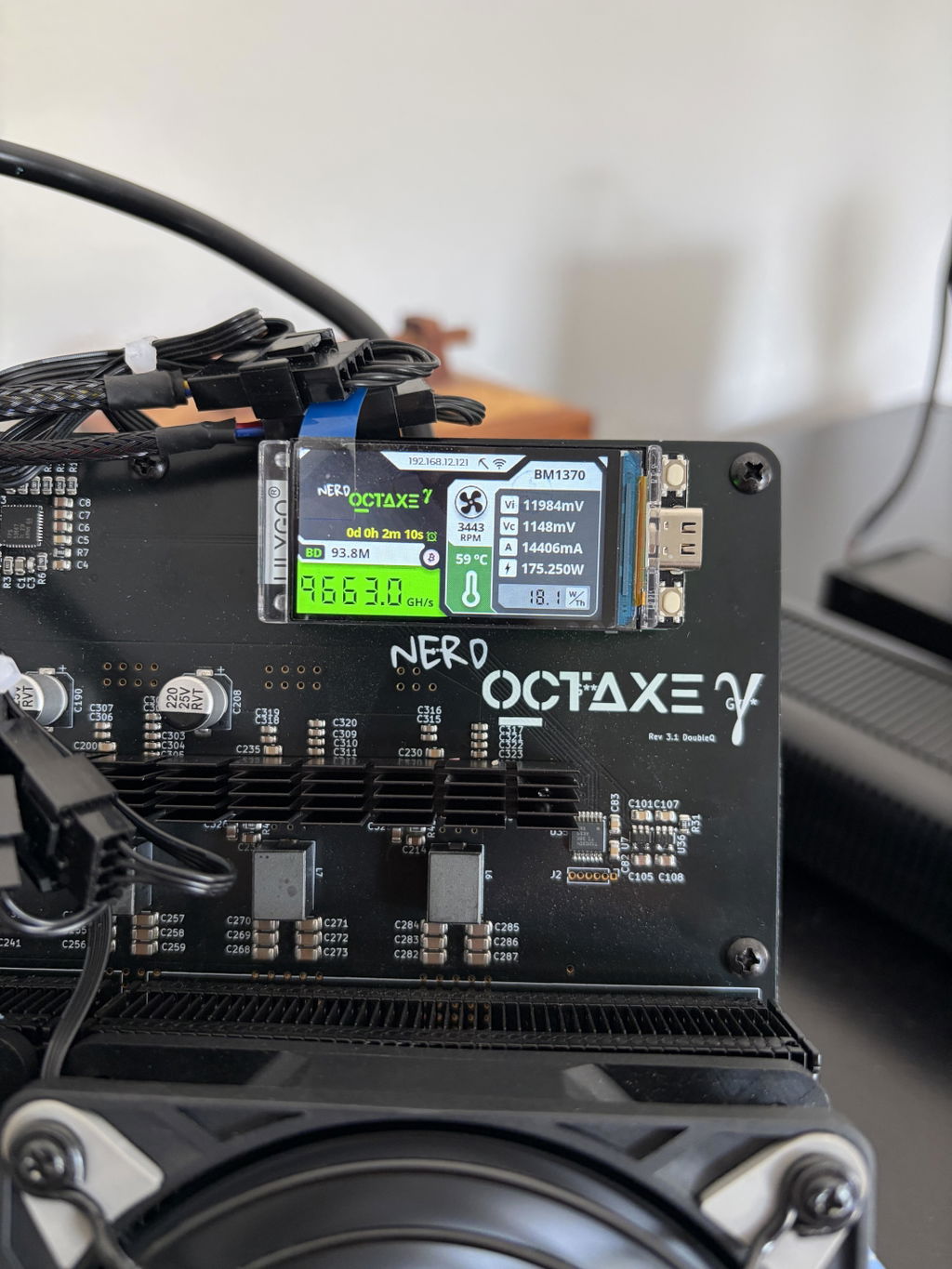
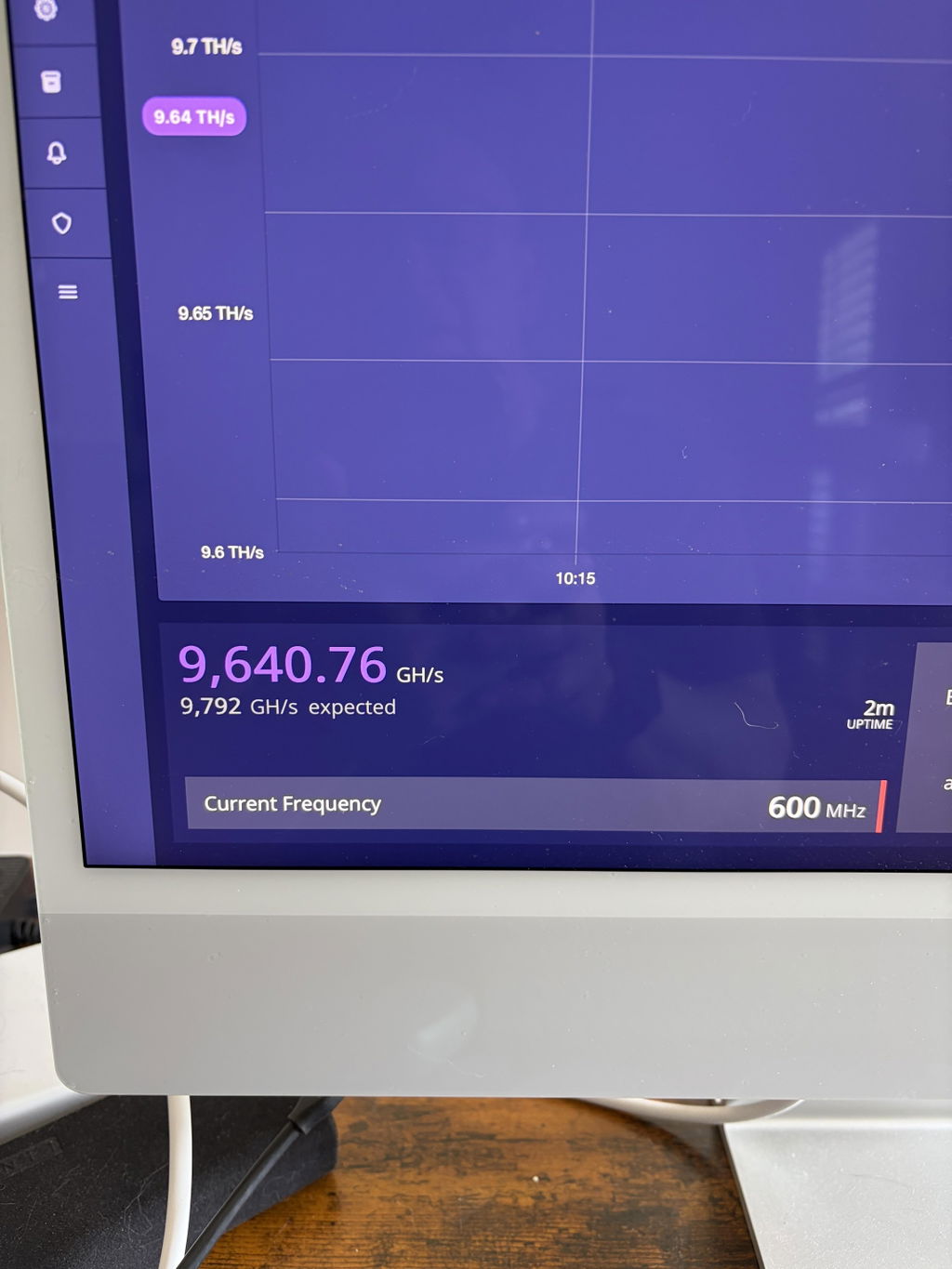
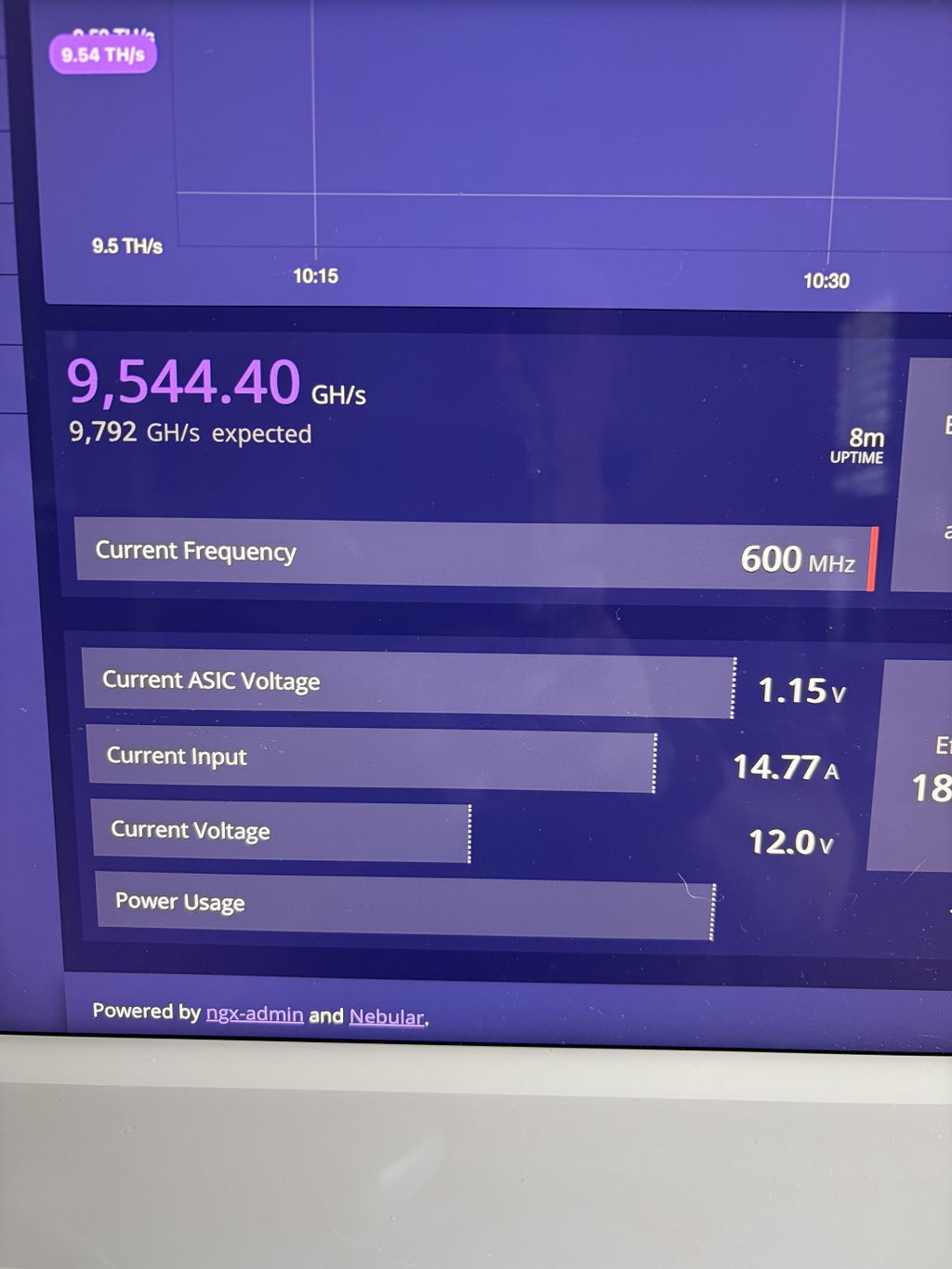
Thank you, Charles! We really appreciate your feedback. It was a pleasure repairing your NerdQCTAXE Gamma 12Th. We take pride in returning every miner looking as clean as it did before the repair, with reliable, long-lasting results. We're glad it's back to mining, and we'll be here whenever you need us again. Happy mining!
Work perfectly, thank you, guys did a fantastic job
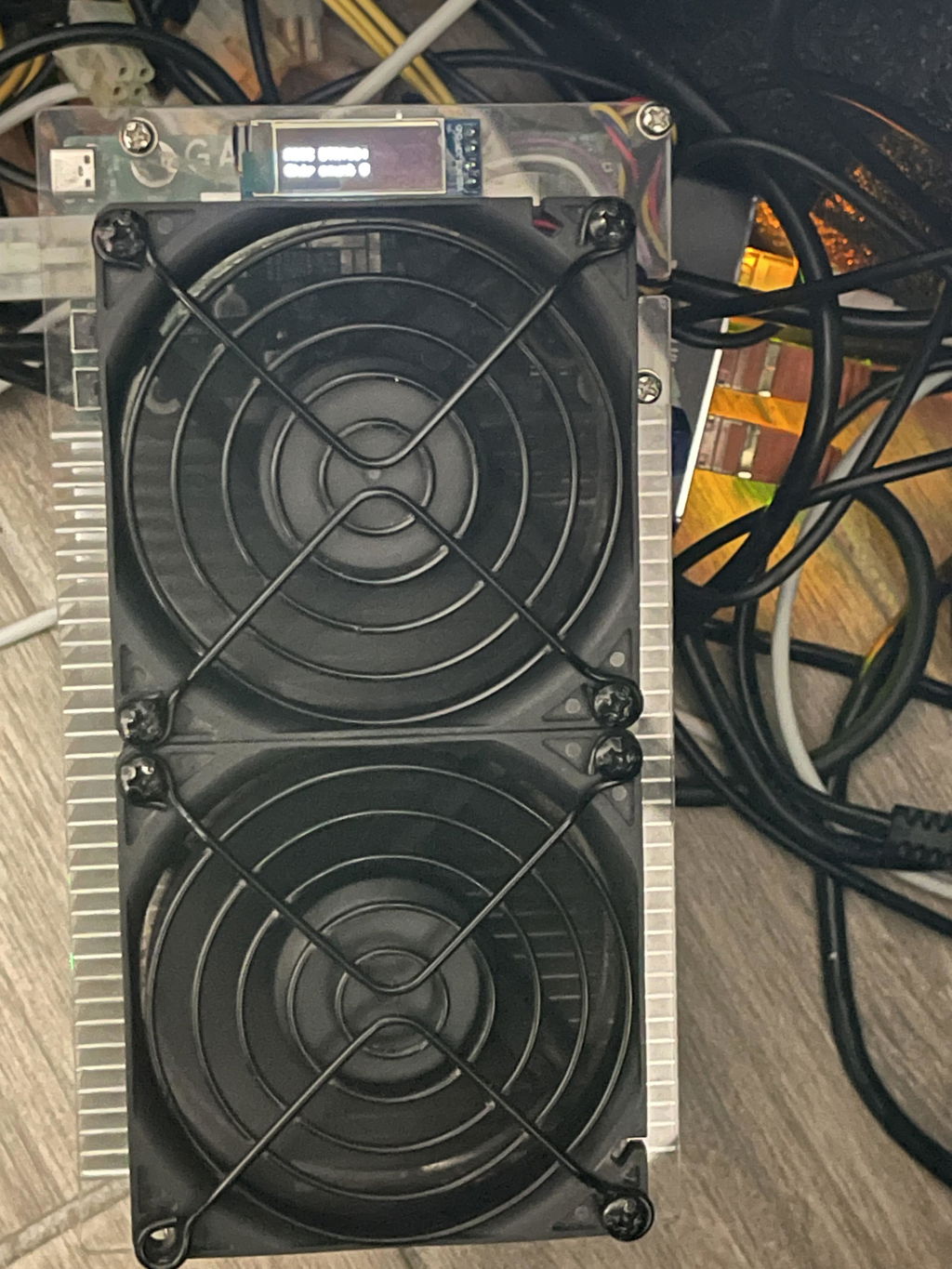
Thank you, Rome! We appreciate the review and we’re glad your Bitaxe Hex 6TH solo miner is working perfectly again. Thanks for including the photo too.
Outstanding work and impressive turn around.
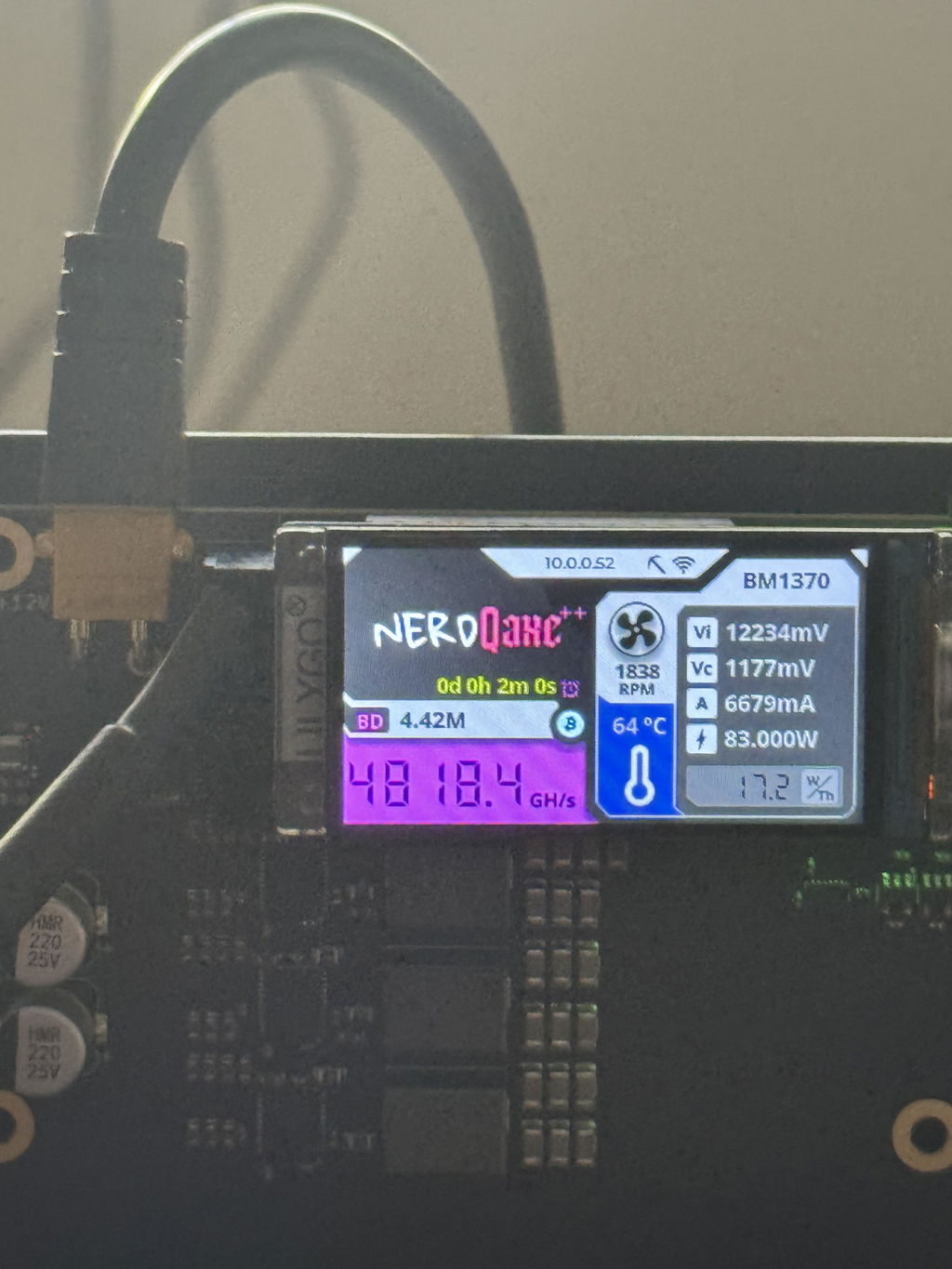
Awesome experience, the miners are working perfect. Their dedication and hard work make a significant difference in our project. It's always inspiring to see such commitment and teamwork in action.
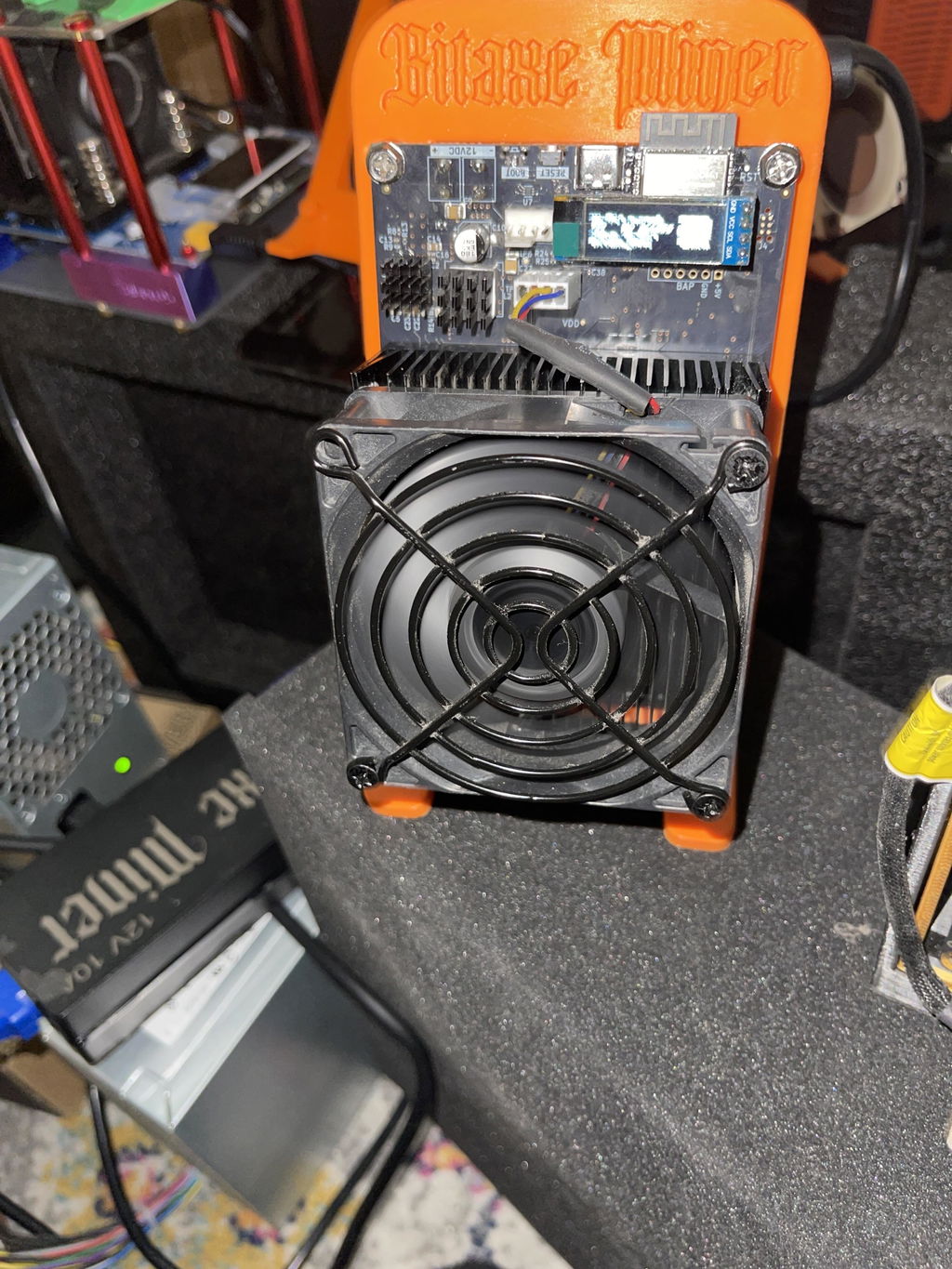
I have only good things to say Alex did for me what Canaan Avalon would not do, and that is to repair their product. God abundantly bless this company
Works great. Thanks for the speedy service.
Running flawlessly, good as new, thank you!
Miner is back online after replacing the fan as your recommended, great job on the repair.
Thank you
Christophe
Thanks, Christophe! Glad the new fan brought it back online. Those little Bitaxe fans take a beating - keep an eye on it and the board should run a long while.
Got me back up and running faster than I could track the package. Whatever wizardry is going on down there, it got my NerdAxe Gamma restored from a Guru error literally like a space mission depended upon it. Thank you and wish me luck!
amazing work! i had sent in a nerdqaxe which was repaired right away and my bitaxe got fried because i'm an idiot so shipped that out in the same box I had previously used and got it back right away. I know it's intimidating sending in USPS, I'm in CA and repair is in FL but the turn times are the fastest around and it comes back like new. Amazing! 5/5 recommend.
Thank you, Emmett, for your kind words and continued trust in our services.
Super fast turn around and excellent work! Device was thoroughly cleaned too!
Hi Emmett, we're thrilled to hear you had a great experience with our repair service! Thanks for the kind words and for trusting us with your device.
great job
Thank you, David! Glad you’re happy with our service.
Awesome service
Hi there! We're thrilled to hear you had an awesome experience with our service. Thanks for your kind words!
Quick, personal service with detailed info provided to help ensure quality repairs.
Hi Zachary, thank you for your kind words! We're thrilled to hear you appreciated our quick and personal service. Looking forward to assisting you again!
My miner had an issue with a failure to start, screen would not turn on and the PSU would blink a dim blue light once.
Reached out to them and Alex was very responsive to my questions within less than a day with my initial question (website said they fixed the 12TH model and was i wondering if they also fixed the 9TH and they do) along with a couple more questions on how I should package it (those were answered within a couple hours a piece during business hours) and mailed it out the next day.
I liked that unlike other websites I can send in the full rig without having to take it all the way apart (like taking off the fans, heat sink, removing from the stand etc.)
Only minor critique (that is not worth taking any stars from) is I wish the shipping options were explained a tad better since I chose the wrong one but he refunded the difference quickly and I did not have to ask for it since they noticed.
It got to them on 6-10 and they mailed it back on 6-12 so it was a 2 day turn around time to get it fixed when I got it back and it started right up and runs cooler than when I first got it.
Would i recommend them again? Yes
Thank you, Daniel! We really appreciate the detailed review and the trust you placed in us with your NerdOCTAXE Gamma repair. We’re glad the miner started right up, is running cooler, and that the full-rig send-in option made the process easier. You’re also right about the shipping options, we’ll work on making those clearer so future customers don’t have to guess. Thanks again for the honest feedback and recommendation.
Fast repair and quick shipment back! Would definitely use again.
Thank you, Wayne! We’re glad your NerdOCTAXE Gamma 12Th repair was completed quickly and made it back to you fast. We appreciate the feedback and would be happy to help again.
SoloMinersUSA had told me about Antminer Repair, so I thought of course I’ll give them a try. And let me tell you, I was not disappointed. Turn around was quick, communication was top notch and my NerdQaxe++ was brought back to life even after I attempted the repair myself. 10 out of 10! Will most definitely use Antminer Repair again…
Thank you, Jon! We really appreciate the feedback and we’re glad your NerdQaxe++ is back online. Solo miner boards can be tricky after a failed DIY repair, so it’s great to hear the unit is running properly again.
Thank you, the miners runs perfectly thank you guys for doing a phenomenal job.
No problems repairing and quick turnaround. Would use again.
I would highly recommend Antminer Repair! They did a great job communicating the progress on repairing my Bitaxe miner. It's mining as I type this review.
Very fast service great customer service fast turnaround. Im enjoying my bitaxe gamma 601 with the geekpi low profile cooler and noctua fan that needed a new pub board. They put it together and it shows no errors on the hashrate. Great job
Recommend!