


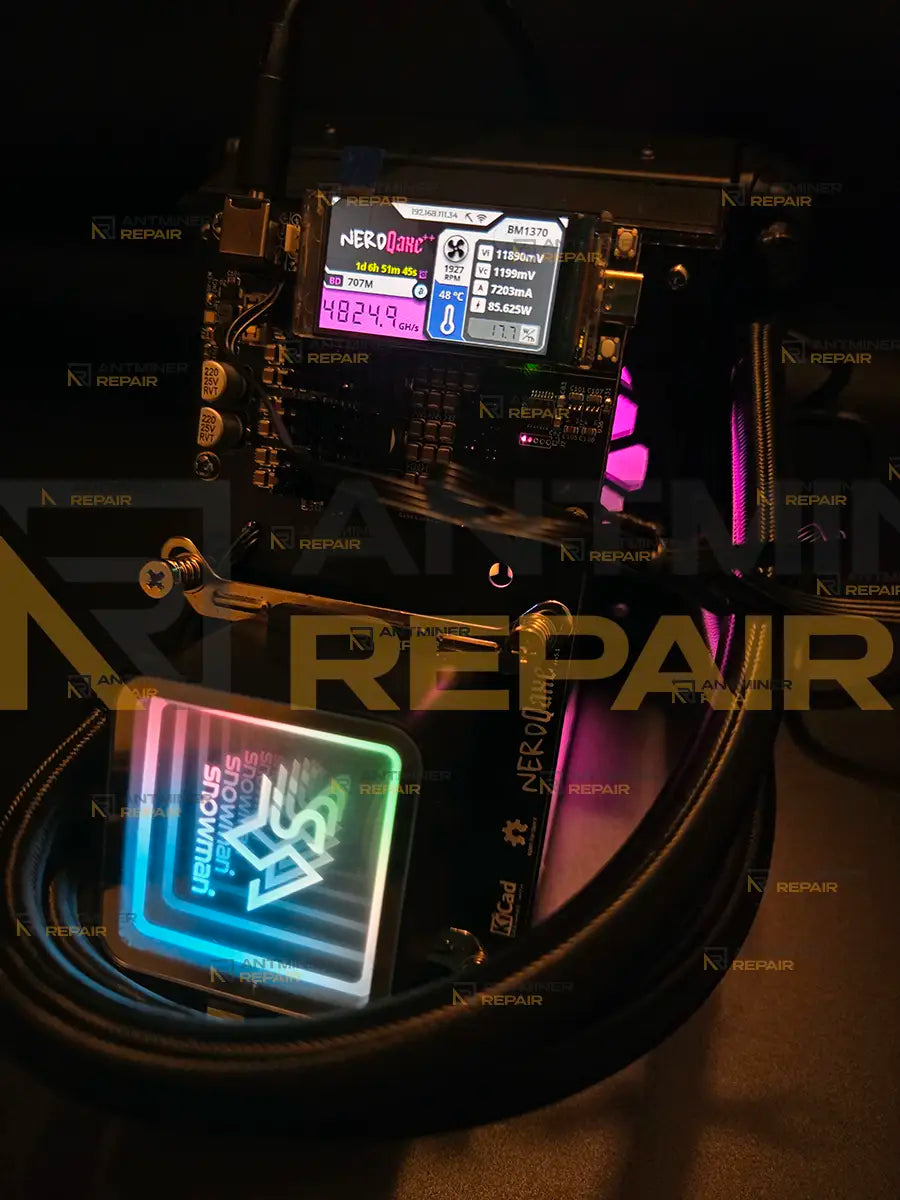
I contacted Antminer Repair about repairing my Yysluping NerdQaxe++ rev. 6.1 that was repeatedly blowing fuses. My limited testing showed a short circuit. I sent it to them and they repaired it in a single day. It's been running about 12 hours with zero issues. Excellent communication and very fast service at a reasonable cost. Thanks!
Great communication. Quick repair and return. Highly recommend. Trusted repair company.
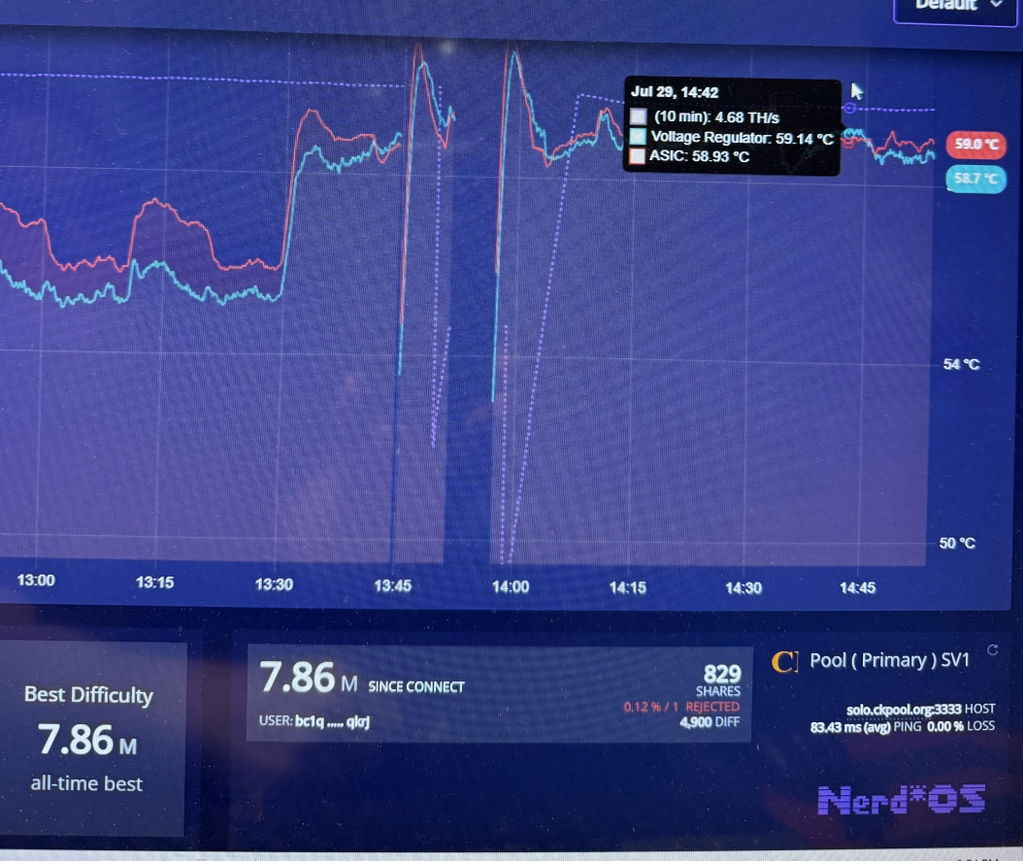
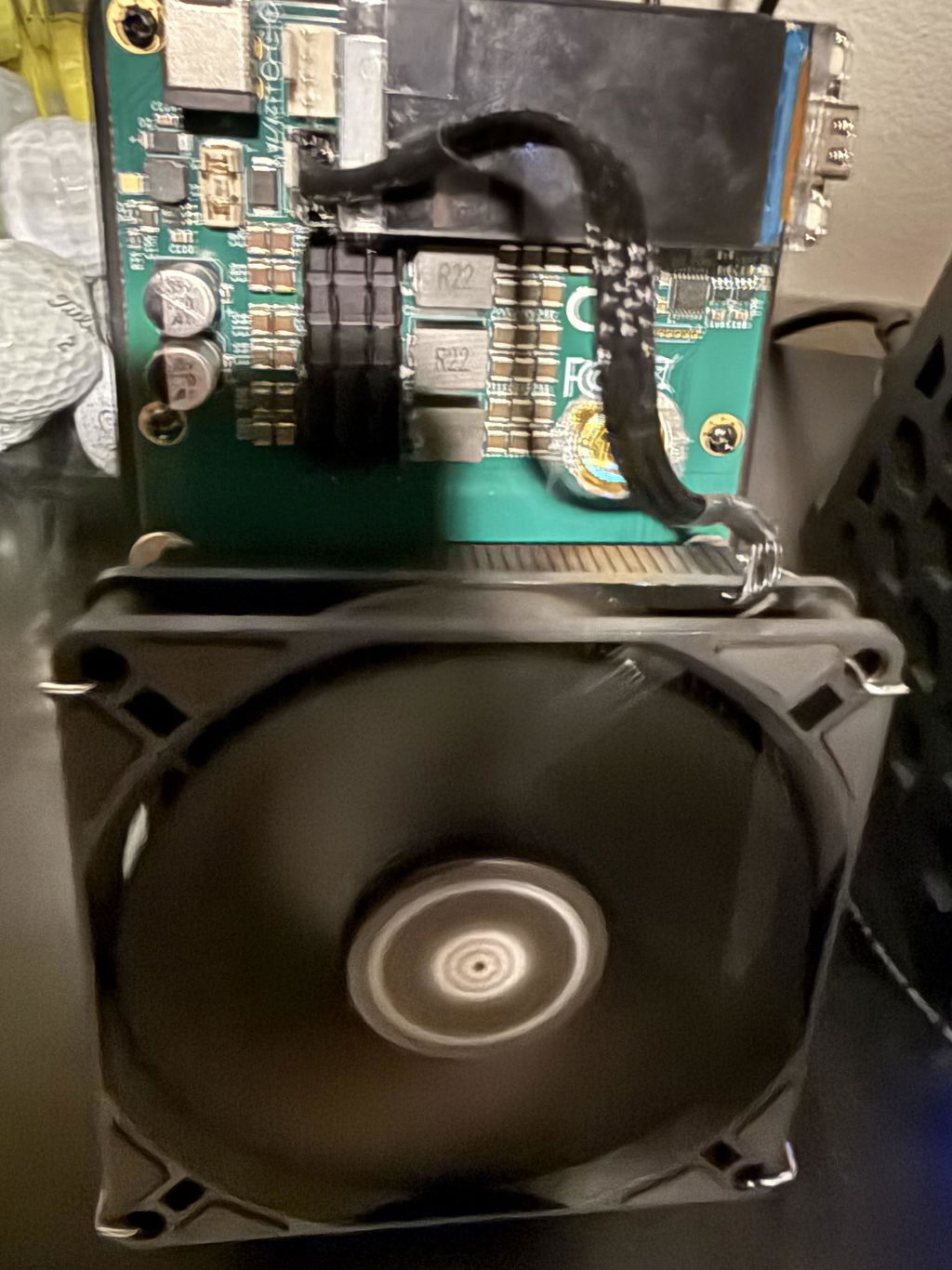
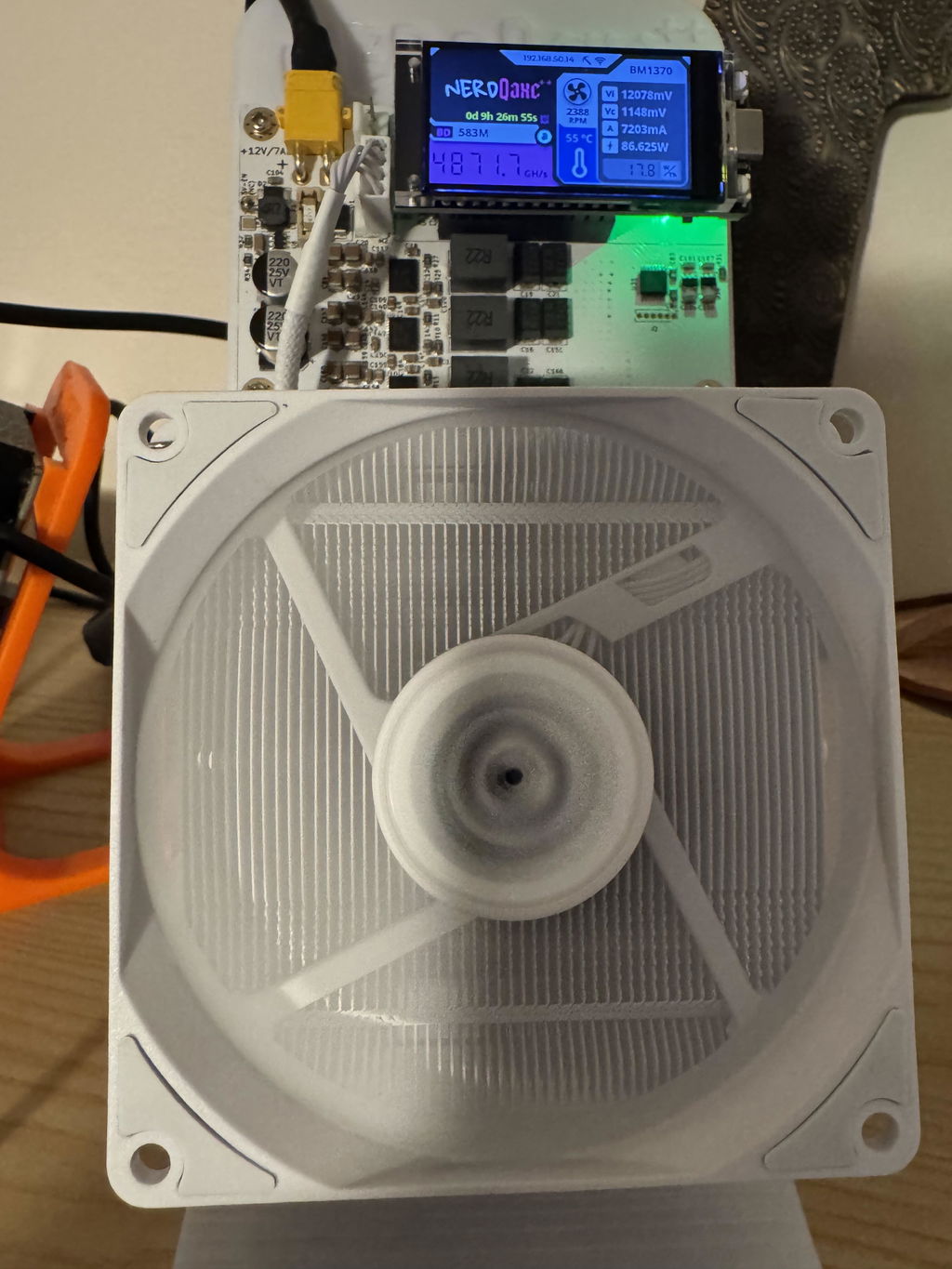
Hi Jon, thank you for your kind words! We're glad you're satisfied with our service!!!
Super fast and precise service! Unit arrived back only several days after I shipped it to them. Visually there is no sign of any repair, unit looks like new, no flux, solder or any repairs residue. Most importantly, it works like a charm. These folks know their business and I'll use them again if necessary. Very satisfied!!!
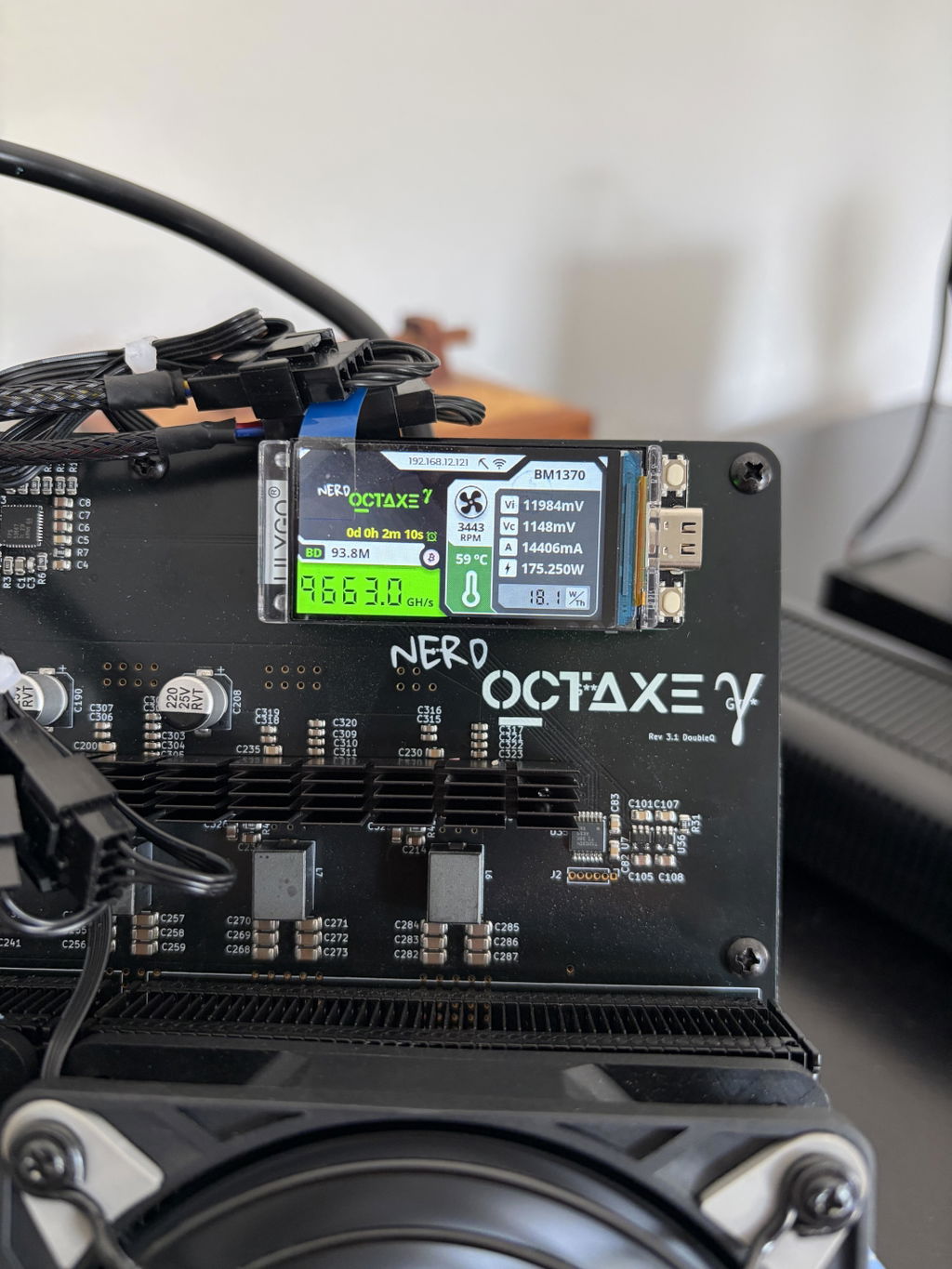
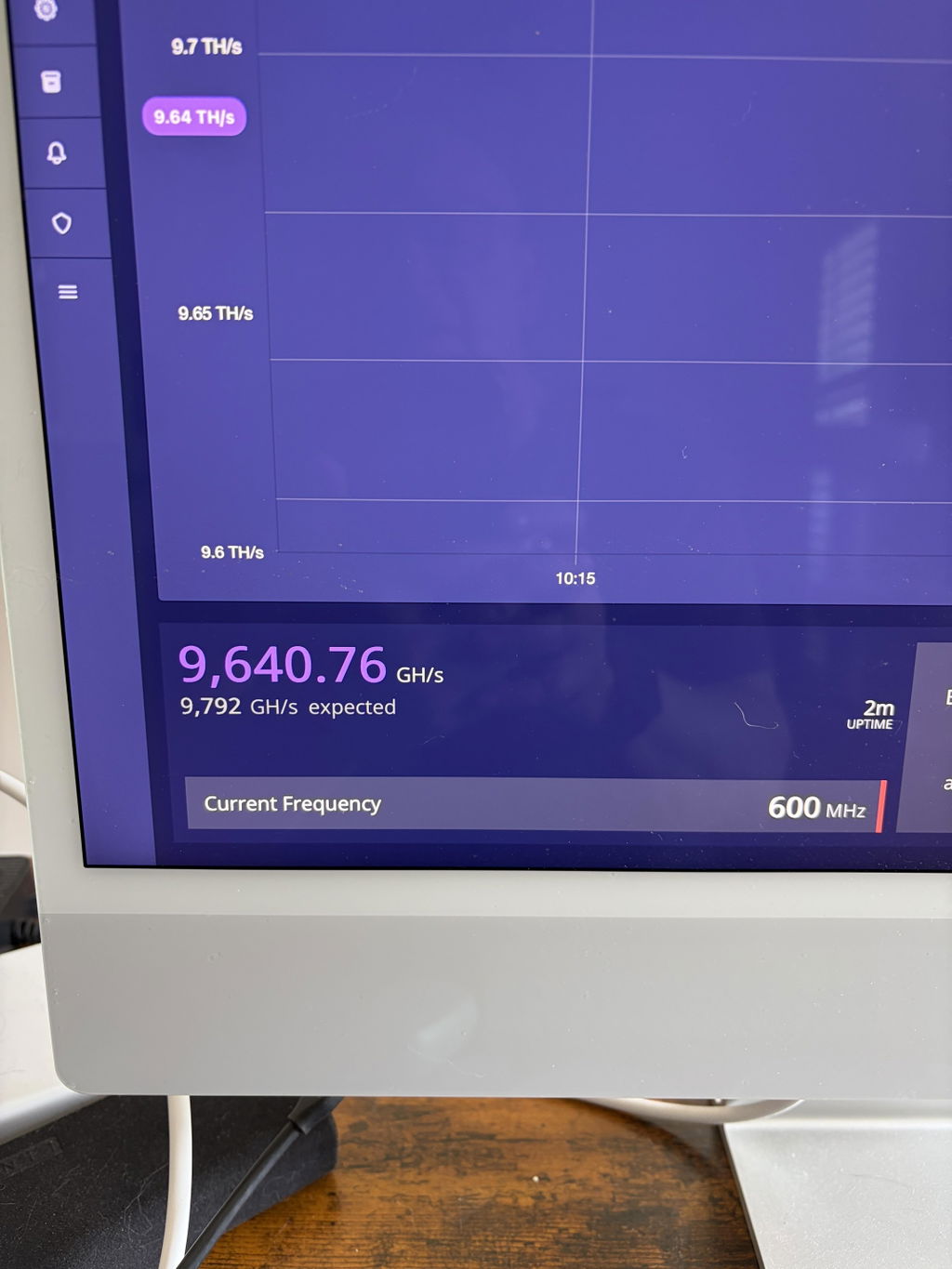
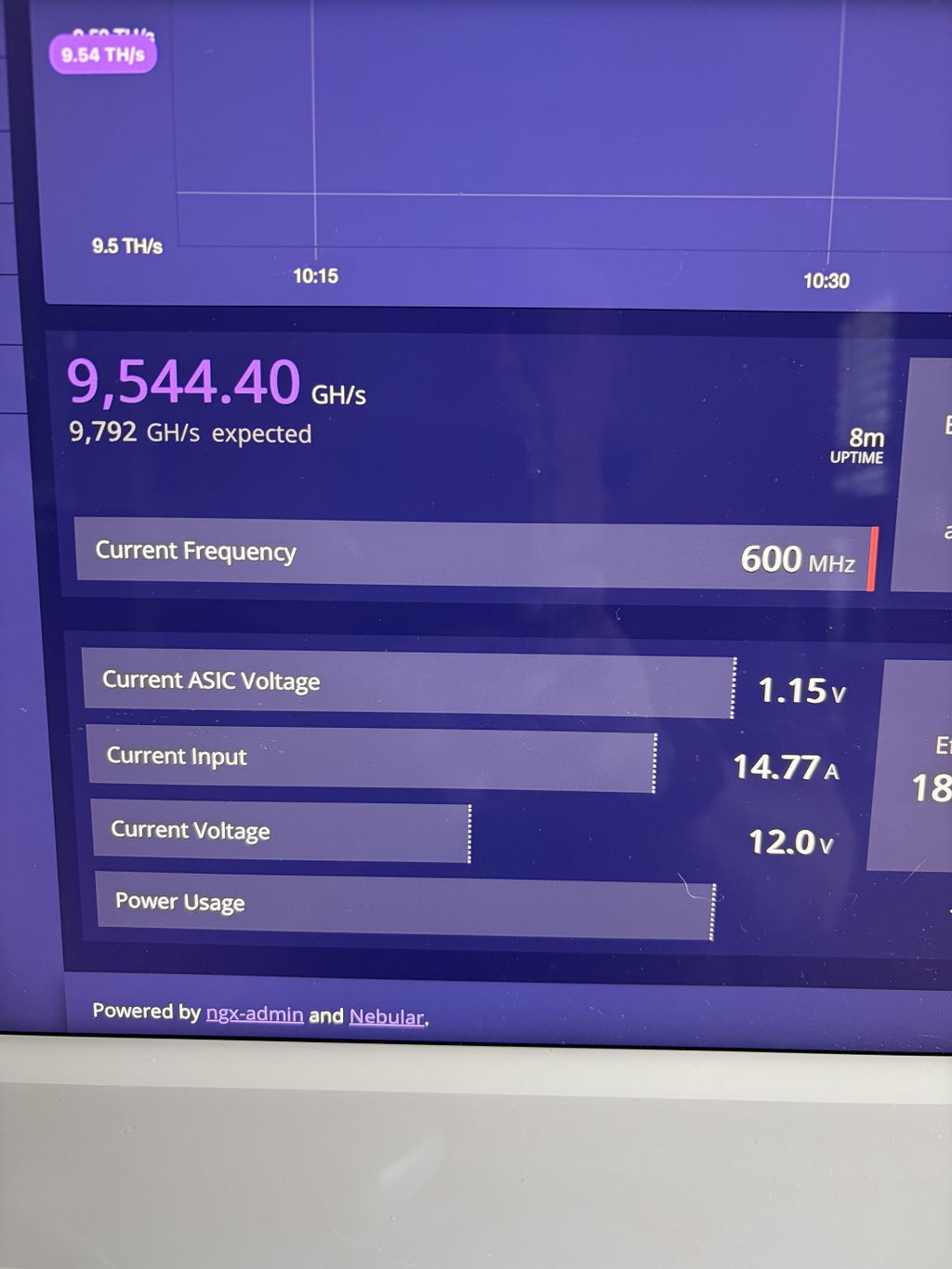
Thank you, Charles! We really appreciate your feedback. It was a pleasure repairing your NerdQCTAXE Gamma 12Th. We take pride in returning every miner looking as clean as it did before the repair, with reliable, long-lasting results. We're glad it's back to mining, and we'll be here whenever you need us again. Happy mining!
Work perfectly, thank you, guys did a fantastic job
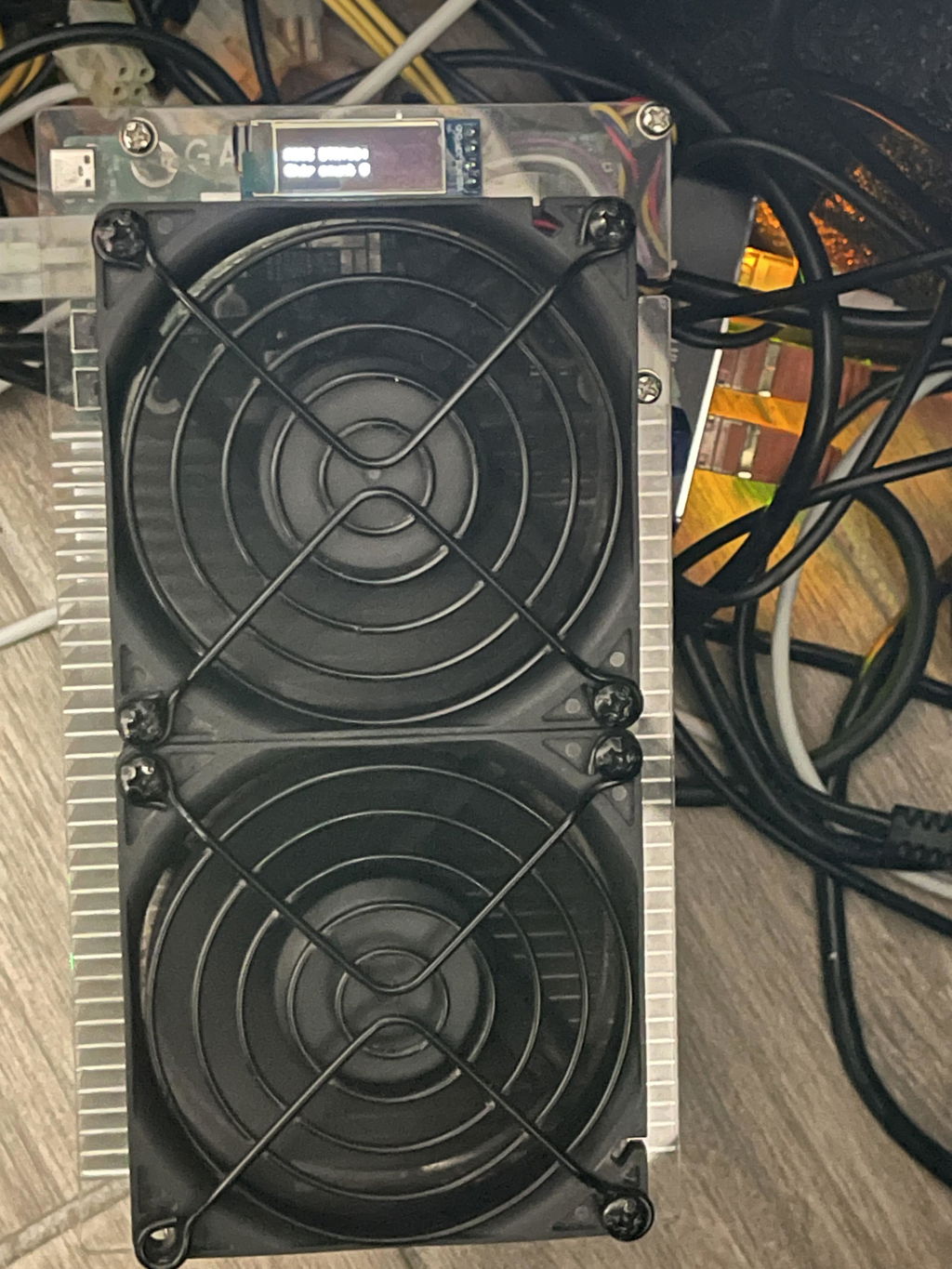
Thank you, Rome! We appreciate the review and we’re glad your Bitaxe Hex 6TH solo miner is working perfectly again. Thanks for including the photo too.
Outstanding work and impressive turn around.
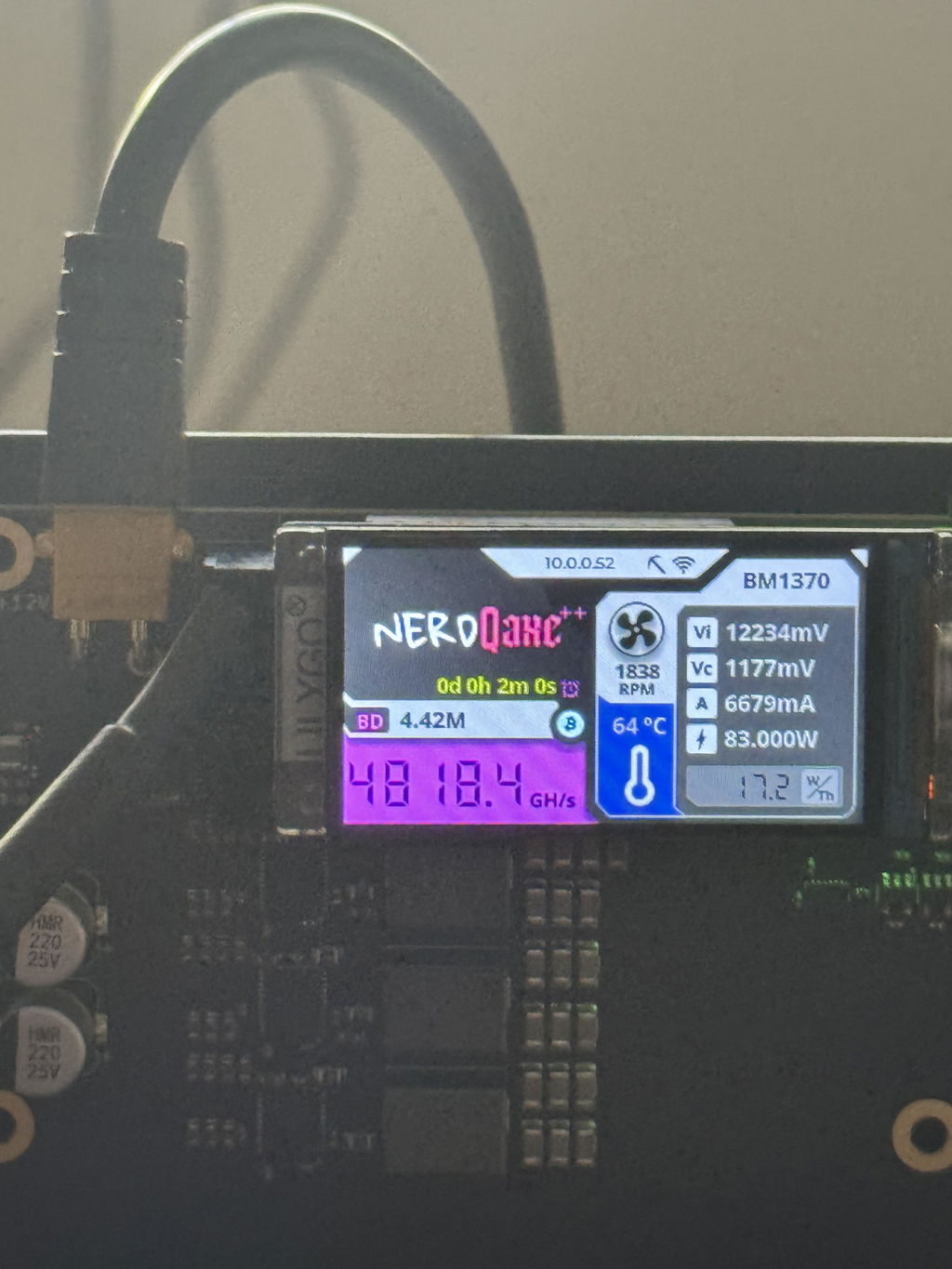
Awesome experience, the miners are working perfect. Their dedication and hard work make a significant difference in our project. It's always inspiring to see such commitment and teamwork in action.
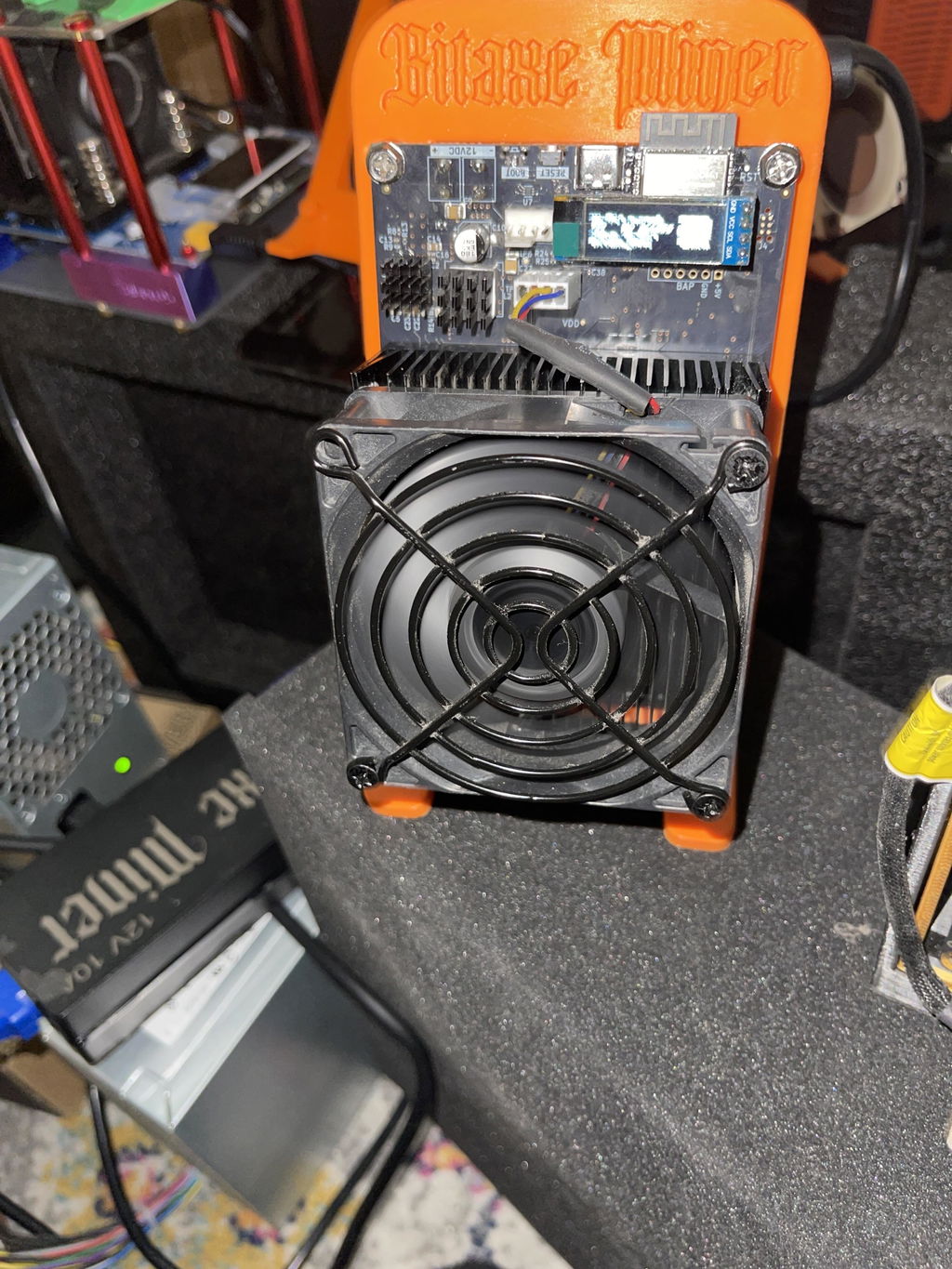
I have only good things to say Alex did for me what Canaan Avalon would not do, and that is to repair their product. God abundantly bless this company
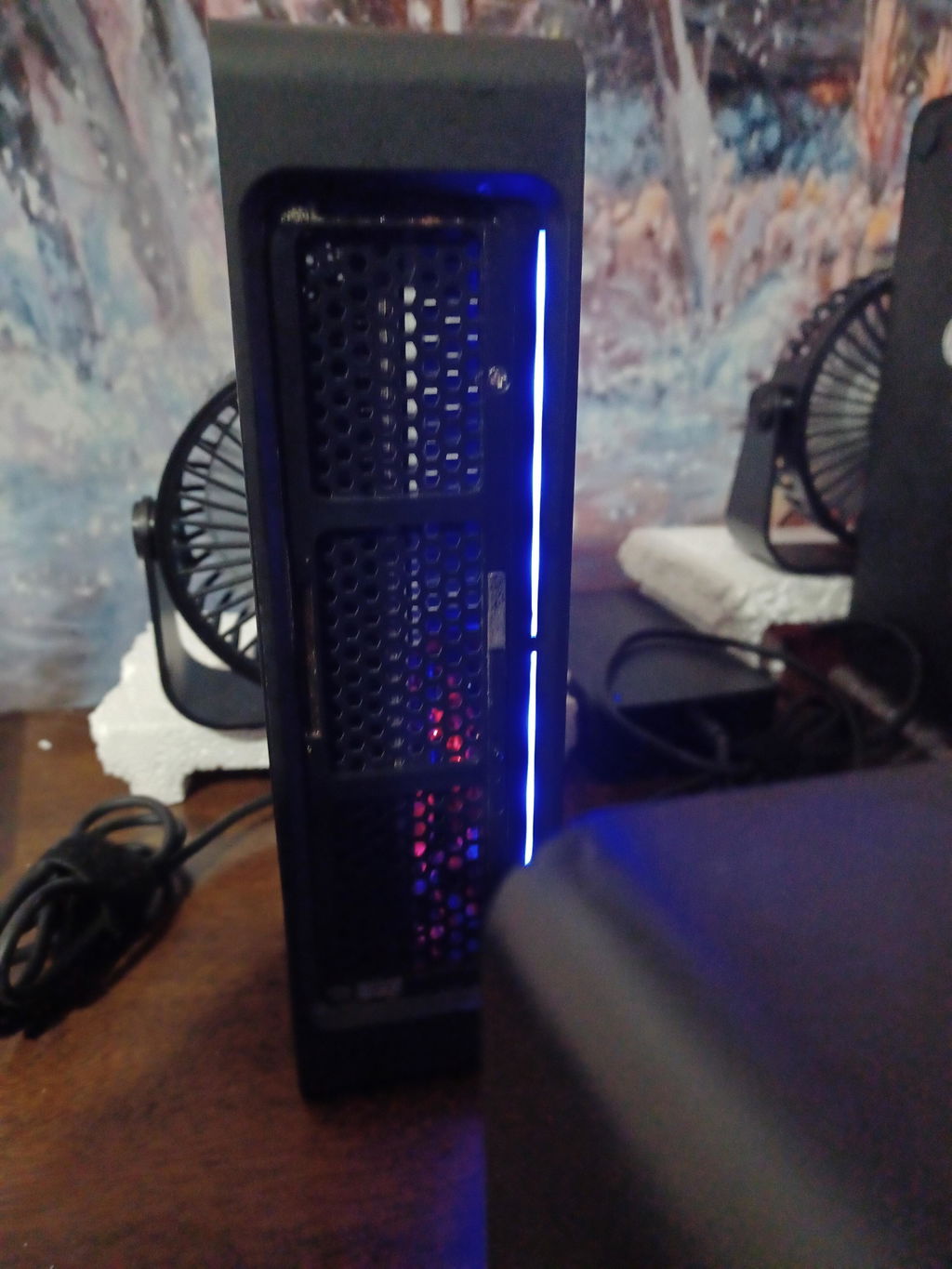
Works great. Thanks for the speedy service.
Running flawlessly, good as new, thank you!
Miner is back online after replacing the fan as your recommended, great job on the repair.
Thank you
Christophe
Thanks, Christophe! Glad the new fan brought it back online. Those little Bitaxe fans take a beating - keep an eye on it and the board should run a long while.
Got me back up and running faster than I could track the package. Whatever wizardry is going on down there, it got my NerdAxe Gamma restored from a Guru error literally like a space mission depended upon it. Thank you and wish me luck!
amazing work! i had sent in a nerdqaxe which was repaired right away and my bitaxe got fried because i'm an idiot so shipped that out in the same box I had previously used and got it back right away. I know it's intimidating sending in USPS, I'm in CA and repair is in FL but the turn times are the fastest around and it comes back like new. Amazing! 5/5 recommend.
Thank you, Emmett, for your kind words and continued trust in our services.
Super fast turn around and excellent work! Device was thoroughly cleaned too!
Hi Emmett, we're thrilled to hear you had a great experience with our repair service! Thanks for the kind words and for trusting us with your device.
great job
Thank you, David! Glad you’re happy with our service.
Awesome service
Hi there! We're thrilled to hear you had an awesome experience with our service. Thanks for your kind words!
Quick, personal service with detailed info provided to help ensure quality repairs.
Hi Zachary, thank you for your kind words! We're thrilled to hear you appreciated our quick and personal service. Looking forward to assisting you again!
My miner had an issue with a failure to start, screen would not turn on and the PSU would blink a dim blue light once.
Reached out to them and Alex was very responsive to my questions within less than a day with my initial question (website said they fixed the 12TH model and was i wondering if they also fixed the 9TH and they do) along with a couple more questions on how I should package it (those were answered within a couple hours a piece during business hours) and mailed it out the next day.
I liked that unlike other websites I can send in the full rig without having to take it all the way apart (like taking off the fans, heat sink, removing from the stand etc.)
Only minor critique (that is not worth taking any stars from) is I wish the shipping options were explained a tad better since I chose the wrong one but he refunded the difference quickly and I did not have to ask for it since they noticed.
It got to them on 6-10 and they mailed it back on 6-12 so it was a 2 day turn around time to get it fixed when I got it back and it started right up and runs cooler than when I first got it.
Would i recommend them again? Yes
Thank you, Daniel! We really appreciate the detailed review and the trust you placed in us with your NerdOCTAXE Gamma repair. We’re glad the miner started right up, is running cooler, and that the full-rig send-in option made the process easier. You’re also right about the shipping options, we’ll work on making those clearer so future customers don’t have to guess. Thanks again for the honest feedback and recommendation.
Fast repair and quick shipment back! Would definitely use again.
Thank you, Wayne! We’re glad your NerdOCTAXE Gamma 12Th repair was completed quickly and made it back to you fast. We appreciate the feedback and would be happy to help again.
SoloMinersUSA had told me about Antminer Repair, so I thought of course I’ll give them a try. And let me tell you, I was not disappointed. Turn around was quick, communication was top notch and my NerdQaxe++ was brought back to life even after I attempted the repair myself. 10 out of 10! Will most definitely use Antminer Repair again…
Thank you, Jon! We really appreciate the feedback and we’re glad your NerdQaxe++ is back online. Solo miner boards can be tricky after a failed DIY repair, so it’s great to hear the unit is running properly again.
Thank you, the miners runs perfectly thank you guys for doing a phenomenal job.
No problems repairing and quick turnaround. Would use again.
I would highly recommend Antminer Repair! They did a great job communicating the progress on repairing my Bitaxe miner. It's mining as I type this review.
Very fast service great customer service fast turnaround. Im enjoying my bitaxe gamma 601 with the geekpi low profile cooler and noctua fan that needed a new pub board. They put it together and it shows no errors on the hashrate. Great job
Recommend!